Best QR code scanner app for iPhone
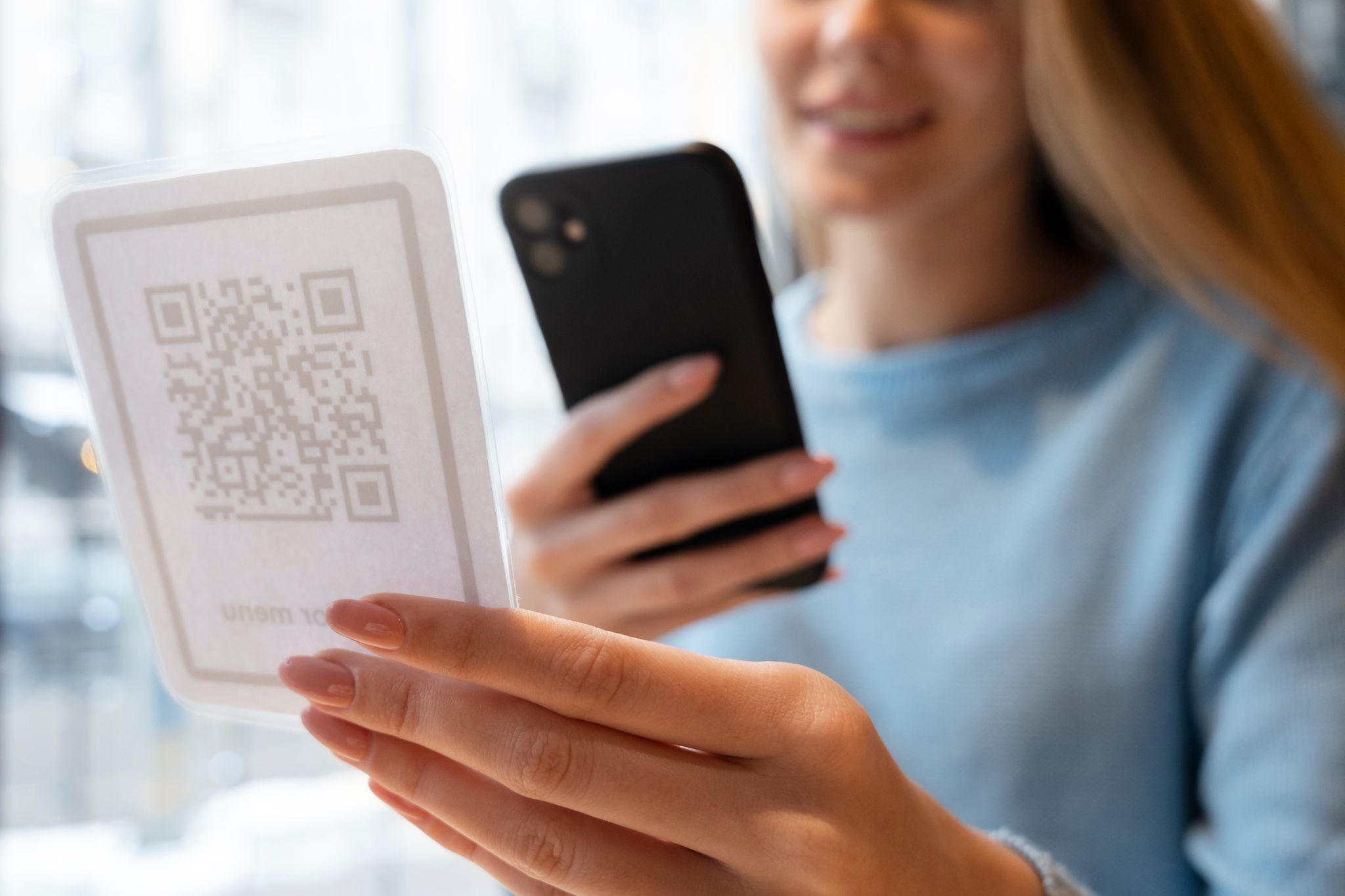
QR codes have become part of everyday life. People scan them to view restaurant menus, join WiFi networks, open payment links, check event tickets, and access product information.
While iPhone users can scan QR codes using the Camera app, many still download a dedicated QR scanner app because the built-in option has limitations, especially when scanning from screenshots or saving scan history.
In this guide, we will cover the best QR code scanner apps for iPhone in 2026, including free options, and what to look for before choosing the right one.
Quick answer: What is the best QR code scanner app for iPhone?
The best QR code scanner app for iPhone in 2026 is one that scans instantly, works reliably in low light, supports scanning from photos, and keeps a history of scanned QR codes.
For most users, Air Apps' QR Code Reader app is one of the best choices because it combines speed, clean design, scan history, and reliable photo scanning in one simple app.
What to look for in a QR code scanner app
Before downloading any QR code reader app, check for these features. They make the biggest difference in daily use.
Fast scanning speed
A good scanner should detect QR codes immediately without needing multiple attempts.
Scan from screenshots and photos
Many people receive QR codes through messages or save them for later. If the app cannot scan QR codes from images, it is not very useful.
Scan history
Scan history saves time, especially for WiFi QR codes, travel check-ins, or payment links you may need again.
Safe link preview
A scanner should show you what you are opening before redirecting you to a website.
Clean interface and low ads
Some scanner apps are overloaded with ads or popups. This slows scanning and creates a frustrating user experience.
Best QR code scanner apps for iPhone in 2026
Below are the best QR code scanner options for iPhone, including both built-in and dedicated apps.
iPhone Camera app (Built-in scanner)
The simplest option is already on your iPhone.
Best for:
occasional QR code scanning
scanning menus, posters, and packaging
quick scanning without downloading anything
Limitations:
does not offer organized scan history
scanning QR codes from screenshots is inconsistent
fewer safety and preview controls
If you only scan QR codes a few times a month, the Camera app is often enough.
If you want a full guide, here is a detailed tutorial on how to scan a QR code on iPhone.
Air Apps' QR Code Reader (Best overall option)
If you scan QR codes regularly, a dedicated app is more efficient than relying on the camera alone.
Air Apps' QR Code Reader is designed for iPhone users who want fast scanning with a smooth experience and practical features.
Why it stands out:
fast and accurate QR detection
scans QR codes from screenshots and saved images
keeps scan history for quick access later
clean interface with a simple user experience
ideal for travel tickets, payments, menus, and WiFi QR codes
This is especially helpful if you often scan QR codes from your photo gallery. iPhone scanning tools do not always detect QR codes inside screenshots, which is why many users prefer using a dedicated scanner app.
If you have trouble scanning QR codes from images, this guide explains the issue in detail: how to scan a QR code from a screenshot on iPhone.
QR scanning through Control Center (Apple Code Scanner)
Apple also offers a built-in QR scanner through the Control Center.
Best for:
quick scanning without opening the camera app
users who want a dedicated scanning interface
Limitations:
still lacks advanced features like history tracking
still limited when scanning QR codes from photos
This is a useful built-in option, but it is still not a replacement for a full QR scanner app if you scan often.
Browser-based QR scanners (Not recommended)
Some websites offer QR code scanning through Safari.
Why people try this:
no app download required
quick for one-time scanning
Why it is not ideal:
requires camera permission through the browser
slower scanning speed
unreliable performance
not a safe option for frequent scanning
For convenience and security, using a trusted QR scanner app is usually better.
Which QR code scanner is best for scanning from screenshots?
If you regularly receive QR codes through messages, social media, or email, you need a scanner that works well with saved images.
The built-in iPhone camera does not scan QR codes inside your gallery. The Photos app sometimes works, but it is inconsistent depending on image quality.
That is why the best option for scanning QR codes from screenshots is a dedicated scanner like Air Apps' QR Code Reader, which is built to scan directly from your photo library.
If you want to understand why QR codes store data differently than barcodes, this comparison guide is useful: barcode vs QR code.
Are free QR code scanner apps safe?
Some free QR scanner apps are safe, but many are overloaded with ads or push users toward risky redirects.
A safe QR code scanner should:
show the full link before opening it
avoid aggressive popups
not request unnecessary permissions
have clear app information and updates
To better understand how QR codes work and what they can contain, this article explains it clearly: what is a QR code.
Final recommendation: Which QR code scanner app should you use?
If you scan QR codes occasionally, the iPhone Camera app works fine.
But if you scan QR codes regularly, especially from screenshots or saved photos, the best option is a dedicated QR code scanner app.
Air Apps' QR Code Reader is a strong choice because it offers fast scanning, scan history, and reliable QR detection from images, all in a clean and easy-to-use iPhone experience.