How to create a QR code that works
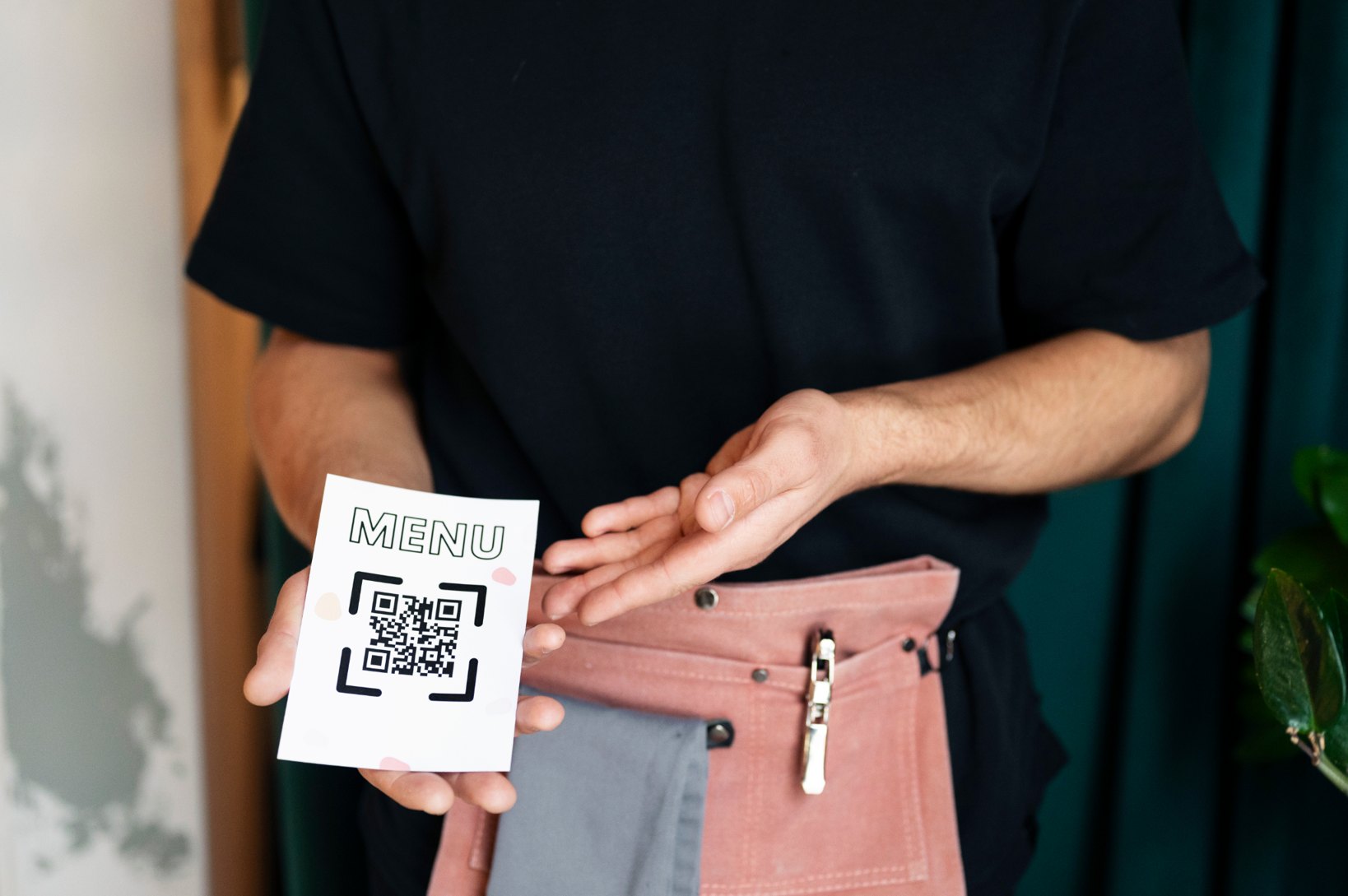
QR codes are used everywhere today, from restaurant menus and event tickets to product packaging and marketing campaigns. Creating a QR code is simple, but creating one that scans reliably across different devices and environments requires careful setup. A poorly generated QR code can lead to broken links, scanning failures, or frustrated users. Businesses and individuals who rely on QR codes for communication or transactions need to ensure their codes are designed and tested properly.
If you plan to create a QR code for a website, menu, event invitation, or marketing campaign, understanding how the process works will help you generate a code that functions consistently across smartphones and scanners.
This guide explains how QR codes are created, what information they can store, and the key steps to ensure your QR code works correctly in real-world situations.
Understanding what a QR code stores
A QR code is a machine-readable pattern that stores information inside a grid of black and white modules. When scanned by a camera or QR reader, the pattern is decoded and converted into usable data. The data inside a QR code can include:
Website URLs
Contact information
Wi-Fi credentials
Event tickets
Digital menus
Payment links
Text messages
Understanding how QR codes store links and data inside the pattern helps explain why proper generation and formatting matter for reliable scanning.
Step 1: Decide what information your QR code should contain
Before generating a QR code, decide what type of content you want users to access after scanning. Common QR code types include:
Website QR codes
Direct users to landing pages, product pages, or campaign links.
Contact QR codes
Allow users to instantly save phone numbers, email addresses, or contact cards.
Wi-Fi QR codes
Let guests connect to a network without manually entering passwords.
Menu QR codes
Restaurants often use QR codes so customers can view digital menus on their phones.
Step 2: Generate the QR code
Once you know what information you want to encode, the next step is generating the QR code. Most QR creation tools allow you to:
Enter the destination link or data
Generate the code automatically
Download the QR code image
Print or share the code digitally
If you want to quickly generate a QR code for your content or campaign, you can create one directly using the Air Apps QR Code Generator.
Step 3: Choose between static and dynamic QR codes
When generating a QR code, you typically choose between two formats.
Static QR codes
Static QR codes contain the final information directly inside the pattern. Once created, the destination cannot be changed. They are ideal for:
Permanent website links
Contact details
Wi-Fi access
Simple long-term use cases
Dynamic QR codes
Dynamic QR codes use a redirect layer that allows the destination link to be updated after the code has been printed. They are often used for:
marketing campaigns
promotions
event registrations
analytics tracking
Businesses planning campaigns should consider choosing between static and dynamic QR code formats before distributing printed materials.
Step 4: Design the QR code for easy scanning
A QR code must be readable by smartphone cameras. Poor design can prevent scanners from detecting the code correctly. Follow these guidelines when generating your QR code:
Use high contrast
Black on white is the most reliable color combination.
Avoid visual clutter
Keep the QR code separate from other graphics.
Maintain a quiet zone
Leave enough white space around the code so scanners can detect its edges.
Choose the correct size
If the QR code is printed too small, it may fail to scan. Designers often follow recommended QR sizing rules when placing codes on posters, packaging, or advertising materials.
Step 5: Test the QR code before publishing
Testing is one of the most important steps in QR code creation. Before distributing the code publicly:
Scan it using multiple smartphones
Test different lighting conditions
Verify the destination link works
Confirm the correct page opens instantly
Many issues people experience with QR codes are caused by design mistakes, broken links, or low-resolution images.
Testing helps prevent common QR scanning problems that cause codes to fail once printed or shared.
Step 6: Place the QR code where users can scan it easily
Where you place a QR code can influence how often it gets scanned. Good placement includes:
product packaging
posters and advertisements
event invitations
restaurant tables
brochures and flyers
For example, event organizers often generate QR codes for invitations, guest check-ins, and digital schedules, simplifying how attendees access information.
This is why QR codes used for event invitations and guest access have become common in modern event planning.
Step 7: Monitor how the QR code performs
If your QR code is part of a campaign, monitoring performance can help improve results. Businesses often track:
scan frequency
campaign engagement
landing page visits
conversion rates
Organizations using QR codes in advertising often include them in printed campaigns to connect offline marketing with digital content.
Many companies incorporate QR codes into marketing campaigns and business promotions to drive traffic from physical materials to online platforms.
Common mistakes to avoid when creating QR codes
Even simple QR codes can fail if basic design principles are ignored. Common mistakes include:
using low-resolution images
printing the code too small
placing it on reflective surfaces
choosing poor color contrast
linking to broken pages
Avoiding these mistakes ensures that users can scan your QR code quickly without confusion.
Final thoughts
Creating a QR code is straightforward, but generating one that works reliably requires attention to detail. Choosing the correct format, designing the code properly, and testing it before publishing can prevent most scanning problems. Businesses that use QR codes for marketing, events, or customer access benefit from ensuring their codes are clear, functional, and easy to scan.
When implemented correctly, QR codes provide a fast and efficient way to connect physical experiences with digital information.