QR Codes for Events And Weddings
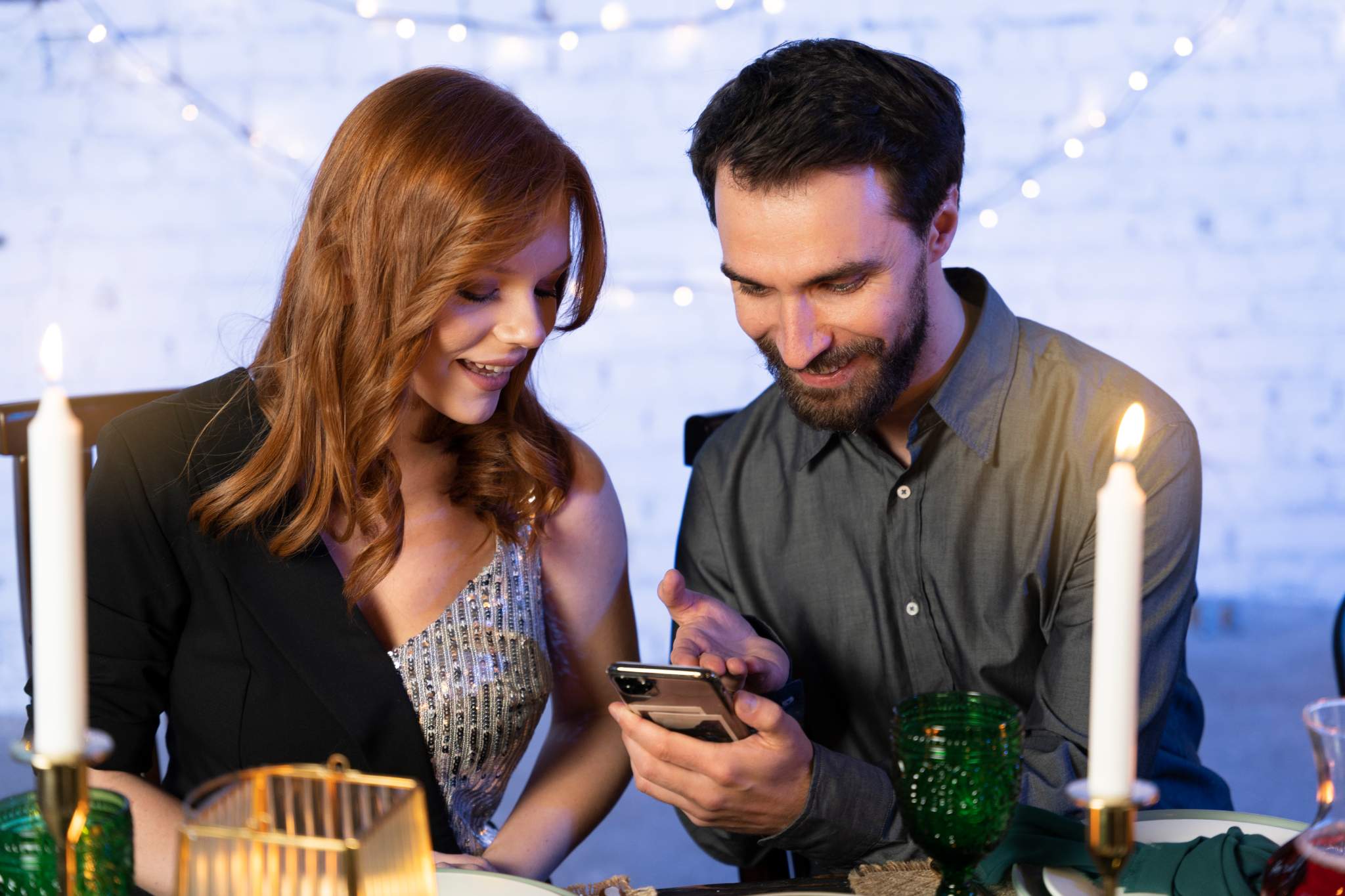
Events succeed when everything flows smoothly, from invitations to check in to sharing memories. A QR code for events helps you create that seamless experience. It connects guests, attendees, and organizers in one simple scan.
With Air Apps’ QR Code Generator, event planners, couples, and organizers can easily create custom QR codes for wedding invitations, ticketing, registration, photo sharing, and more. Whether you are hosting a wedding, concert, conference, or private gathering, QR codes turn every printed or digital material into an interactive touchpoint.
Guests can RSVP, find venues, check schedules, or upload photos instantly, helping you keep your event connected and memorable.
Why QR Codes are essential for modern Events.
QR codes for events simplify every step of planning and participation. They save time, reduce confusion, and enhance engagement across all types of gatherings.
Here’s why event organizers and hosts love using them:
Instant access: Guests can scan to RSVP, check details, or confirm attendance.
Better engagement: Encourage guests to interact through photo uploads or live polls.
Professional design: Custom QR codes match your event branding and style.
Smart tracking: Monitor scans and participation to measure engagement.
Cost efficiency: Replace reprints with dynamic QR codes that update anytime.
From weddings and corporate events to concerts and trade shows, QR codes make it easier to connect your audience with every moment that matters.
QR Codes for weddings: From invitations to photos.
Weddings are about connection and memories, and QR codes make both simple.
Seamless invitations and RSVPs.
Replace long links with elegant wedding invitations featuring a QR code.
Guests can scan to RSVP instantly without filling out long forms.
Add event details such as date, time, map location, and dress code.
Update details anytime through dynamic QR codes without reprinting invites.
Wedding photo sharing.
Turn every photo into a shared memory.
Create a QR code for wedding photos that links to a shared gallery or upload page.
Encourage guests to scan and share their pictures directly from their phones.
Use wedding photo QR codes on tables or thank you cards to collect pictures after the event.
Interactive guest experience.
Add QR codes on tables, menus, or decor to:
Share stories about the couple.
Link to digital guestbooks or playlists.
Display seating charts or surprise messages.
A single scan keeps guests engaged, while you get a smarter way to manage and share every moment.
Simplify RSVPs and photo sharing with elegant QR codes for your wedding. Create yours today.
QR Codes for conferences and corporate events.
For business events, timing and organization are everything. QR codes make management and attendee engagement effortless.
Registration and check in: Add QR codes to digital invites or badges for quick entry.
Session schedules: Link attendees to live agendas or speaker profiles.
Networking: Let guests exchange digital business cards through a scan.
Promotions: Include QR codes in banners or booths at trade shows for quick access to brochures or demos.
Using corporate QR codes helps brands maintain a professional presence while gathering real time insights on attendee participation.
QR Codes for concerts, festivals, and public events.
QR codes bring convenience and energy to large gatherings.
Use concert ticket QR codes for contactless entry.
Share event maps, lineups, or artist schedules through a scan.
Add QR codes to posters or digital ads linking to ticketing platforms.
Encourage audience interaction with photo uploads, giveaways, or social media sharing.
Each code becomes a bridge between the crowd and your event’s digital presence.
Benefits of using QR Codes for Events.
QR codes have become an essential tool for planners, couples, and organizers who want efficiency and engagement.
Here’s what they bring to your event:
Faster communication: Share event updates instantly.
Eco friendly experience: Reduce printed materials and waste.
Custom branding: Add logos, colors, and frames to match your theme.
Data insights: Track scans to understand engagement and preferences.
Guest convenience: Provide quick access to schedules, maps, or galleries.
Post event value: Keep guests connected with feedback forms or shared memories.
How to create a QR Code for your Event.
Creating an event QR code with Air Apps takes only a few steps:
Open the Air Apps’ QR Code Generator.
Select your purpose such as invitation, RSVP, ticketing, or photo gallery.
Add your link or upload content.
Customize your QR code design with event colors, logos, or icons.
Download and add it to invitations, posters, or digital banners.
Track engagement through built in analytics.
You can create multiple QR codes for different purposes within minutes, without design or coding skills.
Design your event QR code in minutes and make your planning stress free. Get started today.
Creative uses of QR Codes in Events.
Add wedding QR codes for photos to thank you cards or gift bags.
Include QR codes on menus or programs linking to videos or speeches.
Use QR codes for weddings on signage that leads to playlists or seating plans.
Place QR codes on conference booths for digital brochures or demo access.
Add QR codes to movie tickets, concerts, or festivals for quick entry and social sharing.
Every code adds value, making your event more connected and memorable.
Best practices for Event QR Codes.
Place QR codes in visible spots like invitations, entrances, or tables.
Use clear calls to action such as “Scan to RSVP” or “Scan to View Photos.”
Test each code on multiple devices before sharing.
Keep landing pages fast loading and mobile friendly.
Use dynamic QR codes so you can edit content anytime.
These practices ensure your QR codes perform well and deliver a smooth guest experience.
FAQs.
How do QR codes make event planning easier?
QR codes manage RSVPs, tickets, and schedules in one scan. They reduce manual work, improve organization, and create a smoother experience for guests and planners.
How can I use QR codes for wedding invitations and RSVPs?
Add a QR code to your wedding invitation for instant RSVPs, directions, and event details. You can update it anytime using a dynamic QR code without reprinting.
What is the best way to share wedding photos using QR codes?
Create a QR code that links to a shared gallery. Guests scan, upload, or view pictures easily, making wedding photo sharing effortless and fun.
Can QR codes be used for corporate events or conferences?
Yes. QR codes handle check-ins, registration, and networking. Attendees can scan to view speaker profiles, schedules, or presentations instantly.
How do I create a QR code for my event or wedding?
Use the Air Apps’ QR Code Generator, choose your event type, add links or content, customize the design, and share it on invitations or posters.
Are QR codes safe to use for photos and event details?
Yes. QR codes are secure when created with trusted tools like Air Apps. You control the destination, keeping guest information private and safe.
Can QR codes help collect feedback or reviews after an event?
Yes. Place QR codes on tables or exits to link guests directly to feedback or review forms for quick responses.
Do QR codes work for concerts, festivals, or large events?
Yes. QR codes are used for ticket scanning, maps, schedules, and updates, improving crowd flow and communication.
Get started with Air Apps’ QR Solutions for Events.
Make your event seamless, interactive, and unforgettable. Whether it’s a wedding, concert, or corporate gathering, Air Apps helps you design QR codes that enhance every moment from invitation to follow up. Create Your QR Code Now!