How big should a QR code be? Size, distance, and print guidelines
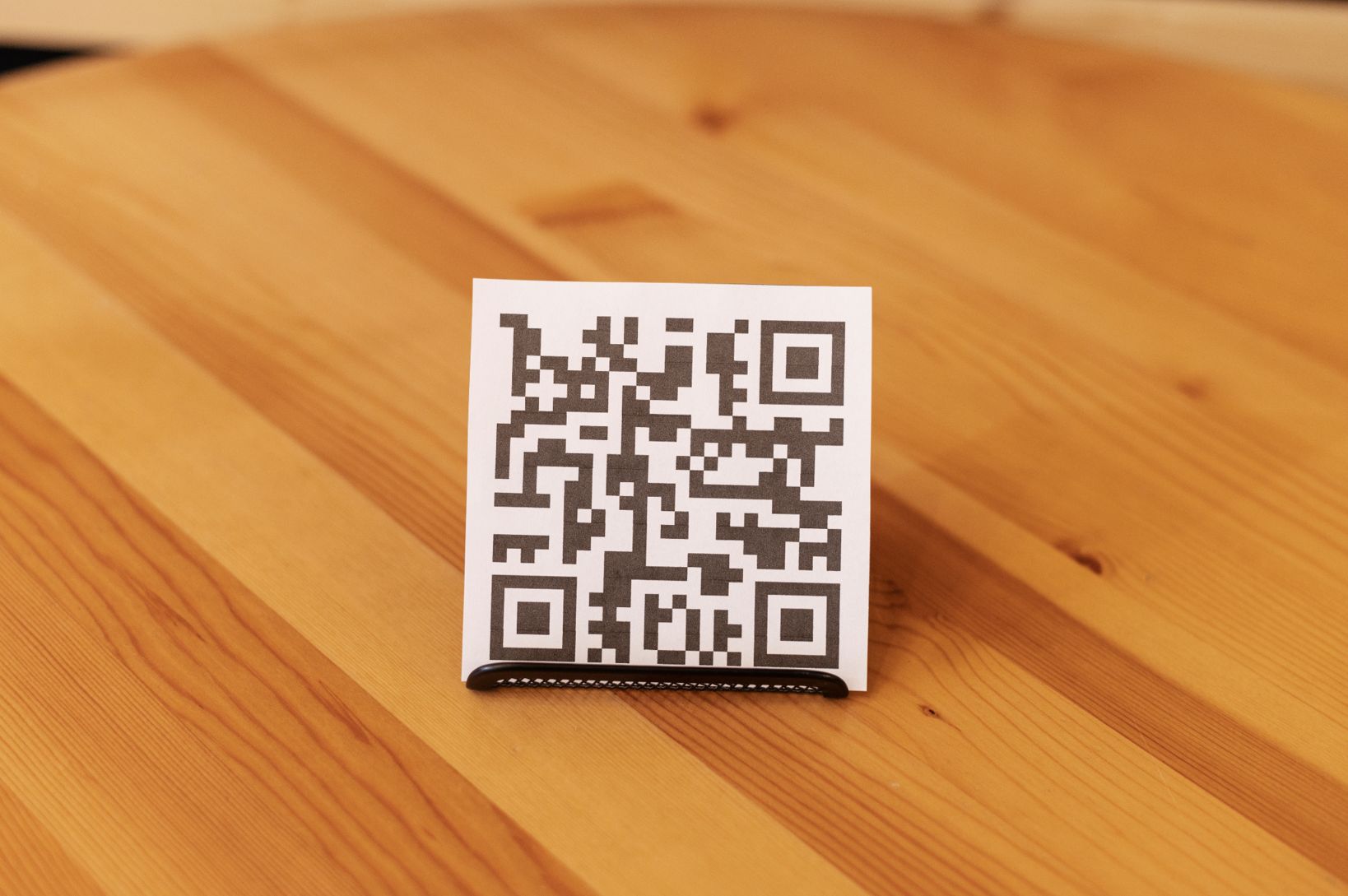
QR codes are widely used on packaging, posters, menus, tickets, and advertisements. But one common mistake businesses make is printing QR codes that are too small or poorly placed, which makes them difficult or impossible to scan. Choosing the right QR code size is essential for ensuring reliable scanning across different devices and environments. If you're planning to create a QR code for marketing, packaging, or print materials, understanding the correct size, spacing, and placement guidelines is critical.
In this guide, we explain the ideal QR code size, how scanning distance affects readability, and the key print guidelines you should follow to make sure your QR codes work every time.
Why QR Code size matters
A QR code must be large enough for smartphone cameras to clearly capture the pattern of squares inside the code. If the code is too small or printed with low contrast, scanners may struggle to detect it. Incorrect sizing can lead to:
Failed scans
Frustrated users
Broken marketing campaigns
Lost customer engagement
To avoid these issues, QR codes should follow basic sizing and printing rules.
Minimum QR Code size
A widely recommended rule is that a QR code should be at least 2 × 2 cm (0.8 × 0.8 inches) when printed. This size generally works for:
product packaging
business cards
flyers
small brochures
However, the more data a QR code contains, the larger it may need to be for reliable scanning. For example:
Use Case | Recommended QR Size |
|---|---|
Business cards | 2 × 2 cm |
Flyers or brochures | 2.5–3 cm |
Posters | 4–6 cm |
Billboards | 20 cm or larger |
Testing the code before printing is always recommended to avoid common scanning issues.
Create QR codes for restaurant menus, event check-ins, and wedding invitations to make guest experiences smoother.
The QR code scanning distance rule
A simple rule used by designers is the 10:1 scanning distance ratio. This means the scanning distance should be roughly 10 times the width of the QR code.
Example:
QR Code Width | Ideal Scanning Distance |
|---|---|
2 cm | 20 cm |
5 cm | 50 cm |
10 cm | 1 meter |
If users will scan from farther away, the QR code must be larger. For example:
Magazine page → medium QR code
Store window poster → larger QR code
Outdoor billboard → very large QR code
Recommended QR code sizes for common uses
Different environments require different QR sizes.
Business cards
Minimum: 2 × 2 cm
Because the card is viewed closely, smaller QR codes usually scan easily.
Product packaging
Recommended: 2.5–3 cm
Packaging often has curved surfaces or reflective materials, so a slightly larger QR code improves reliability.
Posters and advertising
Recommended: 4–6 cm
People typically scan posters from arm’s length, so the QR code must be easier to detect.
Billboards and outdoor signage
Recommended: 20 cm or larger
Outdoor scanning distance can be several meters, so QR codes must scale accordingly.
Importance of the quiet zone
A QR code needs empty space around it, known as the quiet zone. The quiet zone helps scanners recognize where the code begins and ends. The standard recommendation is to leave at least four modules of white space around the QR code. Without this margin, scanning may fail even if the QR code itself is large enough.
QR code color and contrast guidelines
Color choice affects scanning performance. Best practices include:
Dark foreground with light background
High contrast colors
Avoid gradients and low contrast combinations
Avoid reflective surfaces
Black on white remains the most reliable option.
Test your QR code before printing
Before distributing QR codes widely, test them under different conditions. Check scanning using:
multiple smartphones
different lighting environments
both camera apps and QR scanning apps
Many businesses discover problems only after printing thousands of materials. Testing early helps avoid situations where a QR code fails to scan due to design or size issues.
Common scanning problems are explained further in common QR code scanning issues and how to fix them.
Static vs dynamic QR codes and size
Static and dynamic QR codes may require slightly different sizing depending on the amount of encoded data. Dynamic QR codes often use shorter redirect URLs, which makes the pattern less dense and easier to scan.
The difference between static vs dynamic QR codes and when to use each can influence both QR size and flexibility in marketing campaigns.
Quick checklist for QR code print design
Before finalizing your QR code, confirm the following:
QR code size matches expected scanning distance
Quiet zone spacing is present
High contrast colors are used
QR code is not distorted or stretched
Link or data works correctly
Multiple devices can scan it easily
Following these guidelines helps ensure reliable performance across different environments. Once you know the correct size, spacing, and contrast rules, you can create a QR code that scans reliably using the Air Apps' QR Code Generator.
Final thoughts
Choosing the right QR code size is critical for successful scanning. A QR code that is too small, poorly spaced, or printed with low contrast may fail to scan, even if the link itself works perfectly. By following the correct size guidelines, maintaining proper quiet zones, and testing across devices, businesses can ensure their QR codes remain accessible and effective. Whether used on packaging, posters, or advertisements, a well-designed QR code improves user experience and increases engagement.