Are QR Codes safe? How to avoid QR Code scams
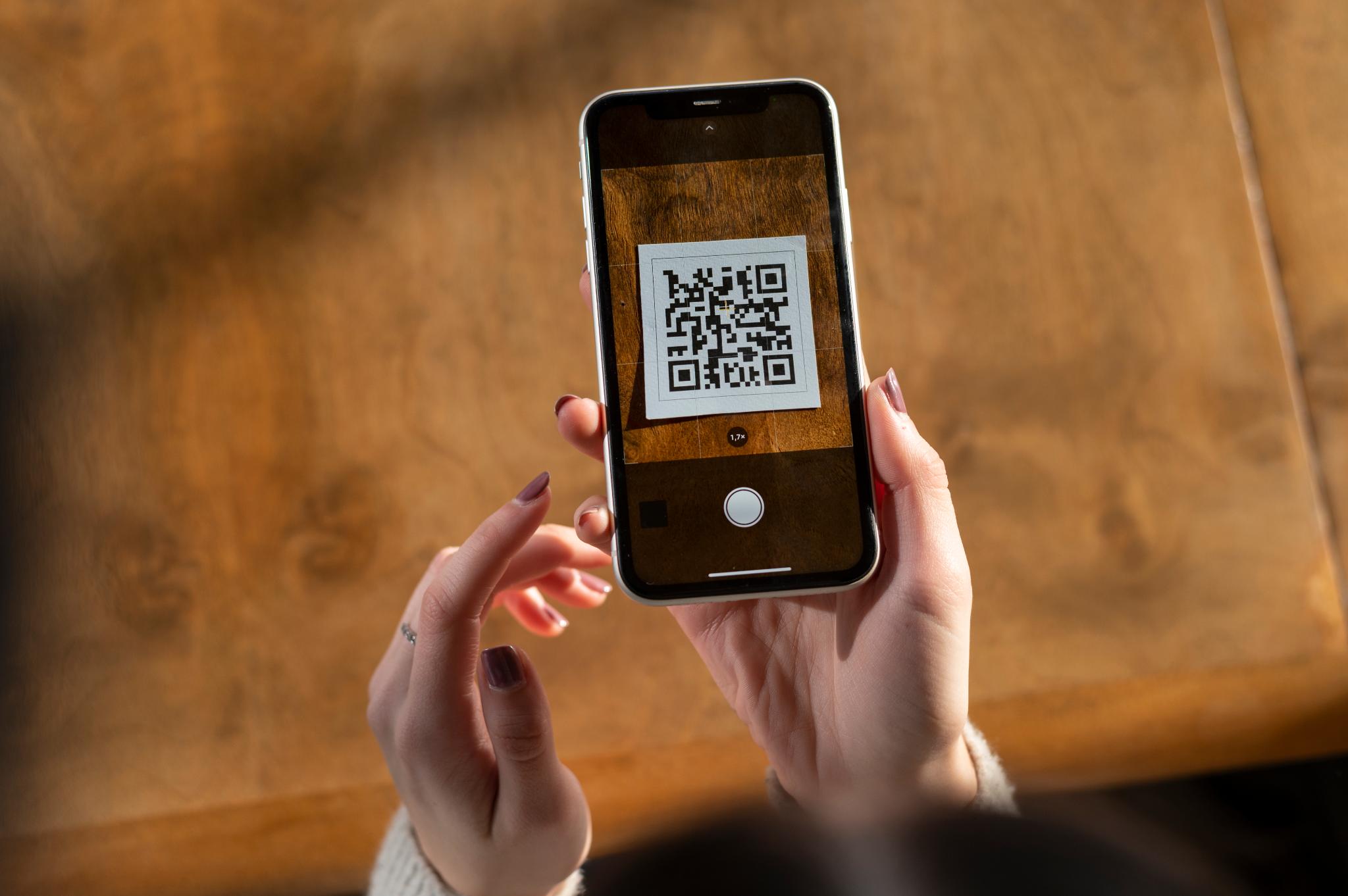
QR codes are widely used for payments, restaurant menus, WiFi access, event tickets, and product verification. They are convenient, fast, and easy to scan. But as their usage increases, so do scams built around them.
So are QR codes safe?
The short answer: QR codes themselves are safe. The risk comes from where they send you.
A QR code can hide a website link, payment page, login form, or file download. Because you cannot see that destination before scanning, scammers take advantage of this blind spot. Understanding how QR codes work and how scams operate is the key to using them safely.
Are QR codes dangerous?
QR codes are not dangerous by design. They are simply a format for storing information such as text, URLs, contact details, or payment instructions.
Since most people cannot visually tell what information is stored inside a code, understanding what is a QR code helps explain why scammers can hide dangerous links so easily.
The problem is that a QR code can redirect you to:
phishing websites
fake payment portals
malware downloads
account login traps
data harvesting forms
Since a QR code looks like a harmless black-and-white square, users often scan without verifying the source. To understand why QR codes can hide links so easily, it helps to know how data is encoded inside them. The structure behind this is explained in more detail in an overview of what a QR code is and how it stores information.
How QR code scams work
QR code scams are often referred to as “quishing,” a blend of QR code and phishing. Here are the most common methods scammers use.
Fake payment replacements
Scammers place a sticker with their own QR code on top of legitimate payment QR codes in public areas such as parking meters or restaurant tables. Victims believe they are paying the correct business.
Malicious redirects
A QR code sends users to a website that looks identical to a real banking or shopping page. Once login credentials are entered, the attacker captures them.
Fake delivery or banking alerts
Emails or text messages claim there is an issue with a package or account. The message includes a QR code to “resolve” the issue.
App download traps
Some QR codes encourage users to download unofficial apps outside trusted app stores.
Because QR codes conceal the actual URL, the user only sees the destination after scanning.
Where QR code scams are most common
QR code scams are most effective in environments where people act quickly. Common locations include:
parking payment stations
gas pumps
public transportation terminals
event venues
restaurant tables
delivery notices
social media messages
email attachments
Scammers often share QR codes through images or chat apps, which is why many users need a reliable way to scan QR codes from screenshots without relying only on built-in photo detection.
How to check if a QR code is safe
Scanning safely requires a few deliberate steps.
Examine the physical code
If the QR code is a sticker placed over another printed code, it may be fraudulent. Look for signs of tampering.
Preview the full URL
After scanning, check the complete web address. Small spelling changes in domain names are a common trick.
Avoid entering sensitive data immediately
If a QR code takes you to a login page or payment screen unexpectedly, pause before entering credentials.
Verify payment destinations
For businesses, confirm that the payment URL matches the official website.
Be cautious with unsolicited QR codes
Unexpected QR codes sent via email or text should be treated carefully, especially if they create urgency.
Are QR codes safer than barcodes?
Both formats are technically safe. However, QR codes can store website links directly inside the code itself, which makes them more commonly used in digital scams.
Traditional barcodes usually store numeric identifiers that connect to a database rather than embedding clickable URLs. The structural differences between barcode formats and QR code formats explain why QR codes are more common in online fraud scenarios.
How to scan QR codes more safely on mobile devices
Most smartphones have built-in QR scanners through the camera app. If you are unsure whether your camera is set up properly, knowing how to scan a QR code on iPhone using the built-in tools can prevent scanning errors and accidental taps.
While convenient, they typically display a link immediately after scanning. A dedicated scanning app can provide additional context before opening links, such as clearer URL previews or scan history tracking.
If you regularly scan QR codes from screenshots, travel tickets, or saved images, using a scanner designed for detecting QR patterns in photos can improve reliability and reduce accidental taps.
Warning signs of a suspicious QR code
Be cautious if:
the QR code appears recently pasted or covered
the link uses a shortened URL
the site asks for urgent payment
the message creates panic or pressure
the website design looks slightly off
the domain name contains extra characters or misspellings
Scammers depend on speed. Slowing down for even a few seconds significantly reduces risk.
What to do if you scanned a malicious QR code
If you suspect you interacted with a harmful QR code:
Change your passwords immediately
Contact your bank if payment information was entered
Monitor financial statements for unusual transactions
Enable two-factor authentication on important accounts
Run a security check on your device
Acting quickly can prevent further damage.
Can QR codes contain malware?
QR codes themselves do not contain malware. They are not executable files. However, they can link to websites that attempt to install malicious software or trick users into downloading harmful apps.
The risk lies in the destination, not the QR code format.
Are QR codes safe for payments?
QR code payments are widely used and generally secure when provided by trusted businesses. Problems arise when scammers replace legitimate codes with fake ones.
Before making a payment through a QR code:
confirm the business name
verify the URL
avoid entering sensitive data on unfamiliar domains
check for secure connection indicators
Final thoughts
QR codes are not inherently dangerous. They are tools that store information efficiently. The real risk comes from hidden links and the speed at which users scan without verifying.
By examining the source, checking URLs carefully, and avoiding urgent or suspicious prompts, you can use QR codes safely in everyday situations. Taking a few extra seconds before clicking is often the difference between a secure scan and a costly mistake.