QR code types explained: Examples & use cases
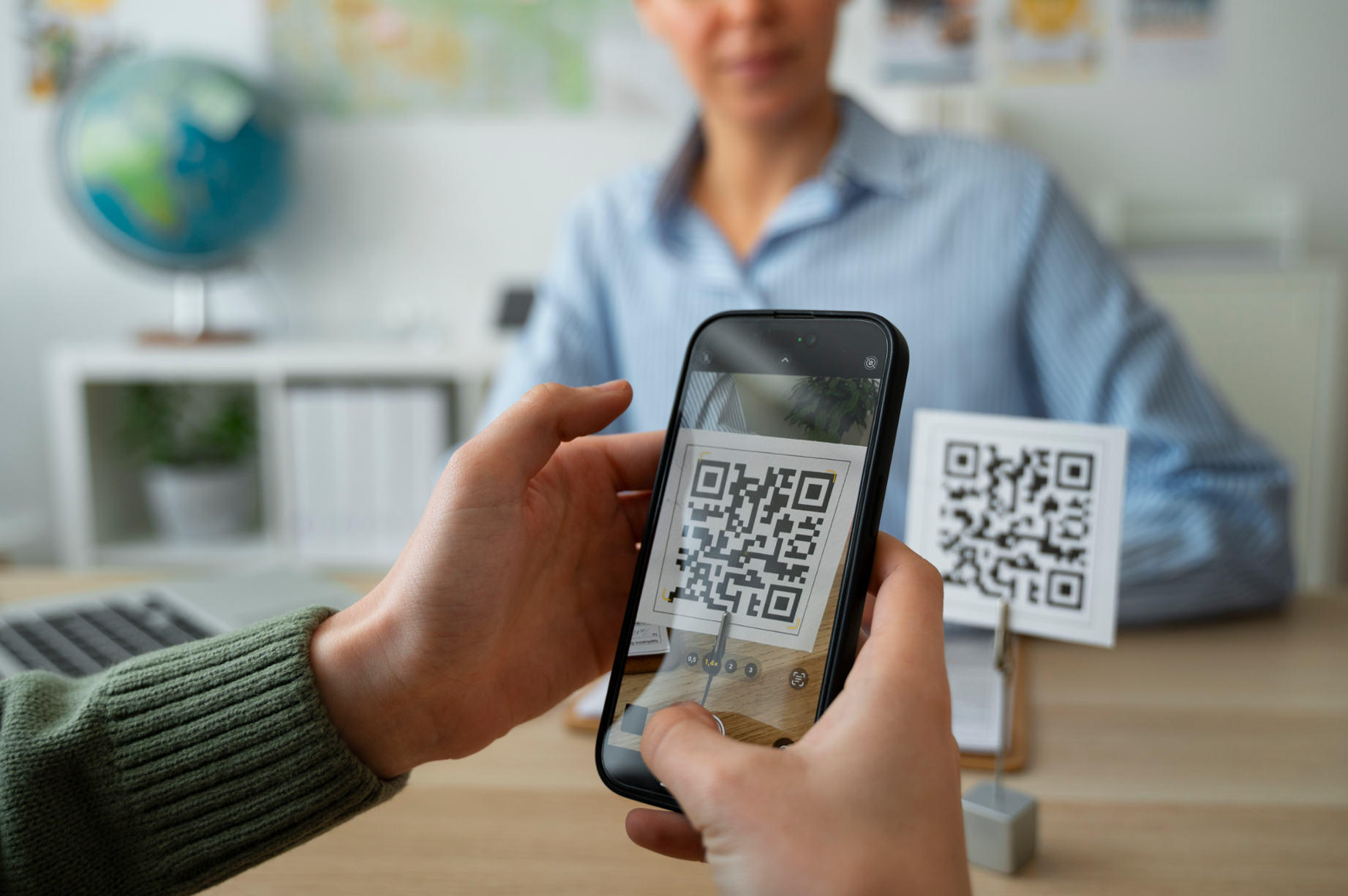
Not all QR codes do the same thing. The black-and-white square on a restaurant table, the one on a business card, and the one on a medicine bottle all look similar but encode completely different kinds of data and trigger completely different actions when scanned.
Each type below is explained by what actually happens at the moment of scanning, who it is designed for, and where it performs best. By the end, you will know exactly which type fits any situation.
What are the different types of QR codes?
Quick answer:
There are two main categories of QR code types: static QR codes and dynamic QR codes. Within these, there are multiple use-case-based formats such as URL, vCard, WiFi, PDF, and app download QR codes.
If you are deciding which QR code to use, the right choice depends on what action you want the user to take after scanning.
If you are new to QR codes, you can start with this guide on what a QR code is and how it works to understand the basics before diving deeper.
Main categories of QR code types
Static QR codes
A static QR code stores fixed information directly inside the code.
Key characteristics:
Cannot be edited after creation
Works without internet for certain data types
Simple and permanent
Best for:
one-time campaigns
fixed information like contact details
offline use cases
Dynamic QR codes
A dynamic QR code stores a short URL that redirects to content.
Key characteristics:
Can be edited anytime after printing
Tracks scans and analytics
Supports advanced use cases
Best for:
marketing campaigns
evolving content
performance tracking
The full breakdown of static vs dynamic QR codes is worth reading before committing to a format.
The 10 most useful QR code types
URL QR code
The most widely used type by a significant margin. A URL QR code encodes any web address and opens it directly in the phone's browser on scan. It works for any destination: a product page, a booking link, a portfolio, a social media profile, a landing page.
Best for: Marketing materials, product packaging, ads, billboards, anywhere you want to drive someone to a webpage.
Real example: A gym puts a URL QR code on its front window linking to a free trial sign-up page. The code is dynamic, so they can swap the destination to a seasonal offer without reprinting.
Key consideration: Always use a dynamic URL QR code for anything printed. URLs change. Redirects do not.
vCard QR code
A vCard QR code encodes structured contact information directly into the pattern. When scanned, the phone prompts the user to save a fully pre-filled contact card. No typing, no app needed, no friction.
Fields it can carry: name, job title, company, mobile and work numbers, email, website, physical address, and social media links.
Best for: Business cards, event badges, email signatures, name lanyards at conferences.
Real example: A freelance designer prints a vCard QR code on the corner of their business card. A potential client scans it at a coffee meeting and has the designer's full contact saved before they leave the table.
To understand everything vCard codes can do and when to choose one over a URL code, the guide to vCard QR codes covers the full picture.
Wi-Fi QR code
A Wi-Fi QR code encodes a network's SSID (network name), password, and security protocol (WPA2, WEP, or open). Scanning it connects the phone to that network automatically, with no password typing required.
Best for: Cafes, restaurants, hotels, offices, co-working spaces, events, and any venue where guests need internet access.
Real example: A coffee shop prints a Wi-Fi QR code on a card stand at every table. Guests connect in three seconds instead of asking a staff member or squinting at a tiny sticker behind the counter.
Key consideration: Wi-Fi QR codes are almost always static. Network credentials rarely change, and the code contains no sensitive data beyond the password itself. If your password does change, you will need to regenerate. Read more about creating a Wi-Fi QR code that actually works.
PDF QR code
A PDF QR code links to a hosted PDF file. Scanning it downloads or opens the document directly on the user's device. The PDF lives on a server, not inside the code itself.
Best for: Product manuals, brochures, menus, restaurant wine lists, property listings, event programmes, academic handouts.
Real example: A real estate agent puts a PDF QR code on a For Sale sign. Prospective buyers scan it on the street and instantly view the full property brochure with floor plans, photos, and pricing on their phone.
Key consideration: Always host the PDF behind a dynamic QR code. If the document gets updated (new prices, revised instructions), you replace the file on the server and the existing printed codes still work.
Email QR code
An email QR code opens a pre-addressed email in the phone's native mail app when scanned. You can pre-fill the recipient address, subject line, and body text. The user taps send.
Best for: Feedback collection, newsletter sign-ups on printed materials, customer support contact, event RSVPs.
Real example: A hotel places an email QR code on the in-room information card. Scanning it opens an email addressed to the front desk with "Guest feedback" pre-filled in the subject. One tap sends it.
SMS QR code
Similar to email but for text messages. An SMS QR code opens the phone's messaging app with a pre-filled recipient number and optional message text. The user taps send.
Best for: Service reminders, appointment confirmations, customer support triggers, competition entries.
Real example: A dental practice puts an SMS QR code on appointment reminder cards. Scanning it sends a confirmation text to the reception number with the patient's appointment reference pre-filled.
Phone Number QR Code
Encodes a phone number. Scanning it opens the dial pad on the phone with the number pre-loaded. One tap to call.
Best for: Trade ads, flyers for service businesses, emergency contact signage, customer support materials.
Real example: A plumber includes a phone QR code on every invoice. A customer with a follow-up problem scans it and calls directly without searching through their inbox for the number.
Location QR code
A location QR code encodes a set of GPS coordinates or a Google Maps link. Scanning it opens the phone's default maps app and either drops a pin at the location or launches turn-by-turn navigation.
Best for: Business premises that are hard to find, event venues, pop-up markets, delivery drop points, real estate signage.
Real example: A wedding venue puts a location QR code on its printed invitation inserts. Guests scan it on the day and get directions without searching for the address or typing coordinates.
App download QR code
This type detects the user's operating system and routes them to the correct app store listing automatically. iPhone users go to the App Store. Android users go to the Play Store. One code handles both.
Best for: App launch campaigns, packaging inserts, flyers for apps, in-store signage promoting a loyalty app.
Real example: A retail chain prints an app download QR code on its shopping bags. Customers scan it and land directly on the iOS or Android listing for the brand's loyalty app.
Social media QR code
A social media QR code links directly to a specific profile or page on any platform. Some implementations let a single code link to multiple platforms through a landing page, letting the user choose where to follow.
Best for: In-store signage, product packaging, business cards for content creators, event booths.
Real example: A small bakery puts a social media QR code on its takeaway boxes linking to its Instagram account. Customers who loved their order follow in seconds, without searching for the handle.
QR code types comparison table
What should happen after scanning? | QR Code Type | Editable after printing | Best use case |
|---|---|---|---|
Visit a webpage | URL | Yes if dynamic | Websites, landing pages, product links |
Save your contact details | vCard | No unless dynamic | Business cards, networking, sales teams |
Connect to Wi-Fi | WiFi | No | Cafes, hotels, offices, guest networks |
Open and read a document | Yes if dynamic | Menus, brochures, guides | |
Send you an email | No | Customer support, inquiries, feedback | |
Send you a text | SMS | No | Campaigns, lead generation, registrations |
Call you | Phone number | No | Quick customer contact, service calls |
Get directions | Location | Yes if dynamic | Store locations, event venues |
Download your app | App download | Yes | App installs, mobile onboarding |
Follow you on social media | Social media | Yes | Creator growth, brand presence |
One rule that applies to all of them: if the code will be printed on anything physical, use a dynamic version wherever possible. Destinations, documents, and details change. Dynamic codes absorb those changes without reprinting.
How to choose the right QR code type
Choosing the right QR code depends on your goal.
Ask yourself:
Do you want to send users to a page or deliver information instantly?
Will the content change in the future?
Will users have reliable internet access?
Simple rule:
Use URL QR codes for flexibility and traffic
Use vCard or WiFi QR codes for instant offline actions
Use dynamic QR codes when updates or tracking matter
For design tips, you can also read QR code design best practices to improve scan rates.
Best practices when using different QR code types
To get the most out of any QR code:
Always test before printing
Use clear call-to-action text
Ensure proper size and contrast
Avoid placing codes where scanning is difficult
Track performance if using dynamic QR codes
Create the right QR code in seconds with QR Code Air
If you want a simple way to generate and manage different QR code types, use a tool that supports both static and dynamic options.
You can start creating optimized QR codes for business, marketing, or personal use with Air Apps and choose the exact type that fits your goal.
Start creating your QR code now and turn every scan into action.
Download QR Code Air on the App Store to generate any QR code type in under two minutes, or scan any code with full smart action support.