QR code design best practices: Size, color, and placement guide
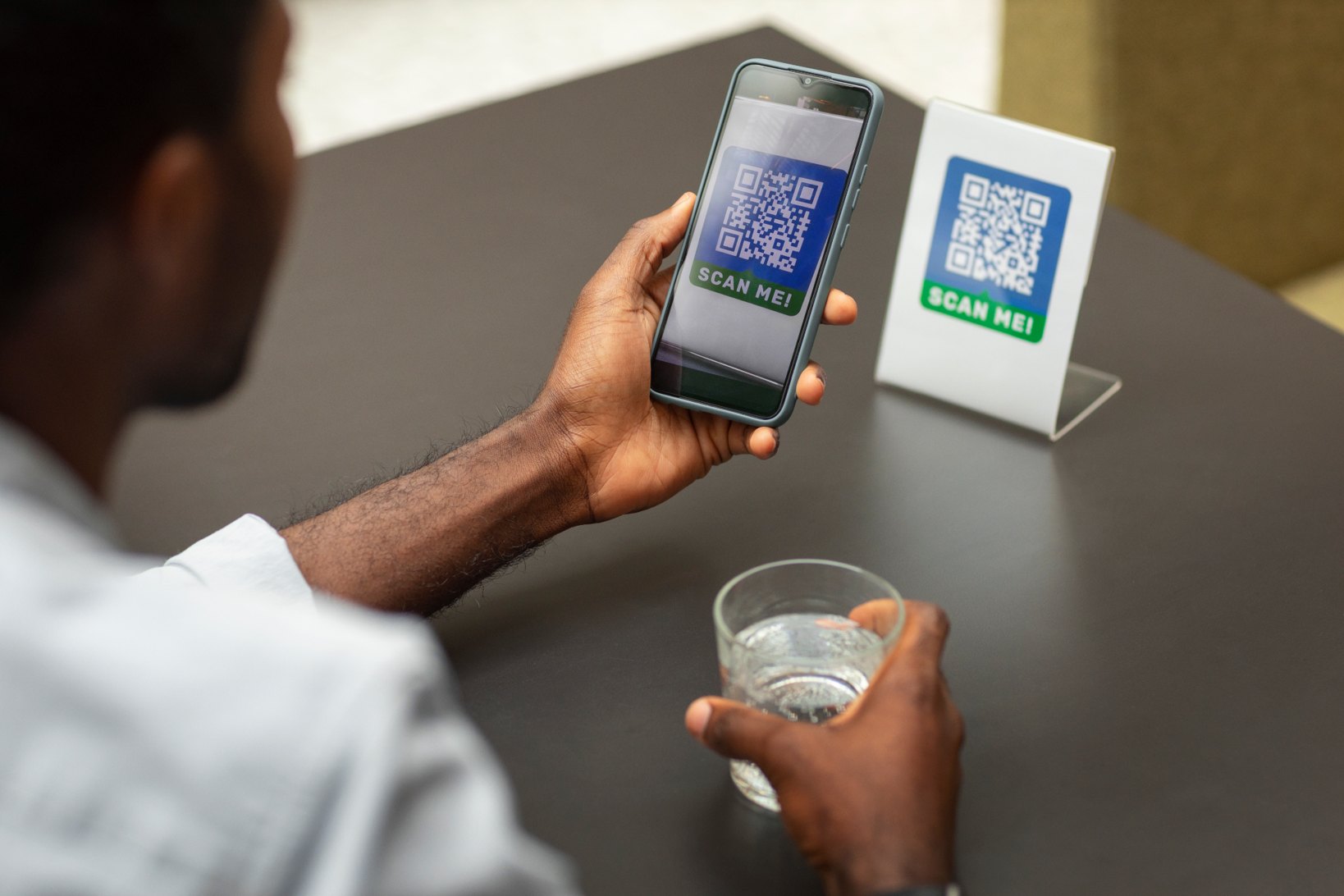
QR codes are simple to generate, but designing one that scans reliably in real-world conditions requires more attention than most people expect. A poorly designed QR code can lead to failed scans, frustrated users, and lost engagement.
Businesses often place QR codes on packaging, posters, menus, and marketing materials. In each of these situations, factors such as color contrast, placement, spacing, and size determine whether the code works smoothly.
This guide explains the most important QR code design best practices so your code remains easy to scan across different devices and environments.
If you plan to create a QR code for marketing, packaging, or customer access, applying these design principles will help ensure the code works consistently when users scan it.
Why QR code design matters
QR codes work by encoding data inside a grid of square modules. When a camera detects the pattern, scanning software decodes the information and opens the associated content. If design choices interfere with this pattern, scanners may fail to recognize the code.
Common design mistakes include:
insufficient color contrast
overly small QR codes
missing spacing around the code
visual distortion from graphics
poor placement in printed materials
Choose the right QR code size
QR codes must be large enough for smartphone cameras to capture the full pattern clearly. A widely used guideline is the 10:1 scanning distance rule. This means the scanning distance should be roughly ten times the width of the QR code. Examples:
QR code width | Ideal scan distance |
|---|---|
2 cm | 20 cm |
5 cm | 50 cm |
10 cm | 1 meter |
For printed materials such as posters or billboards, the code must scale based on how far users will be standing when scanning.
Maintain a quiet zone around the code
A quiet zone is the empty white space surrounding a QR code.
Scanners rely on this margin to identify where the code begins and ends. Without it, scanning algorithms may misinterpret the pattern.
The recommended quiet zone is four modules of white space on all sides of the QR code.
When placing a QR code inside advertisements, flyers, or product packaging, avoid placing text or graphics directly against the edges.
Use high contrast colors
Color contrast is one of the most important design factors for QR codes.
The safest combination remains:
dark foreground
light background
Examples of reliable combinations:
black on white
dark blue on white
dark green on light background
Avoid:
light gray on white
pastel color combinations
low contrast brand palettes
Even though QR codes can be customized with brand colors, contrast must remain strong enough for scanners to detect the pattern.
Avoid overly complex customization
Many brands customize QR codes by adding:
logos in the center
gradient colors
decorative shapes
While customization can improve branding, excessive styling may interfere with scanning accuracy. If you add a logo, keep it small and ensure that the core QR pattern remains visible.
Businesses that run promotions or campaigns often balance branding with usability when using QR codes in marketing campaigns.
Test your QR code on multiple devices
Before publishing a QR code publicly, testing is essential. Test the code using:
multiple smartphone models
different lighting conditions
camera apps and QR readers
both printed and digital formats
Testing helps confirm that the design choices did not affect scanning reliability. If a code fails to scan consistently, it may be caused by contrast issues, placement problems, or design distortion.
Many of these problems appear in the most common reasons QR codes fail to scan correctly.
Place QR codes where users expect them
Placement significantly influences whether people scan a QR code.
Good placements include:
product packaging
marketing posters
restaurant tables
event invitations
brochures and flyers
Poor placement examples include:
curved surfaces
reflective materials
low lighting areas
crowded design layouts
Restaurants often place QR codes directly on tables or menus to simplify ordering and access to digital content.
This approach is widely used with digital menu QR codes in restaurants and hospitality environments.
Use dynamic QR codes for campaign flexibility
When designing QR codes for marketing campaigns, flexibility can be important. Dynamic QR codes allow the destination link to be updated after the QR code has already been printed. This makes them useful for:
marketing campaigns
event promotions
seasonal offers
product launches
Understanding the differences involved in choosing between static and dynamic QR code formats helps businesses decide which type fits their campaign goals.
Add clear instructions for users
Not everyone instantly recognizes what a QR code does. Adding short instructions near the code improves scan rates. Examples:
“Scan to view the menu”
“Scan to download the app”
“Scan to access event details”
This small addition can significantly increase engagement with QR campaigns.
Monitor and improve QR performance
Once a QR code is deployed, monitoring how users interact with it can reveal valuable insights. Businesses often analyze:
how frequently the code is scanned
where scans are happening
which campaigns generate the most engagement
These insights help improve placement, design, and messaging in future QR code campaigns.
Final thoughts
Design plays a major role in whether a QR code succeeds or fails. Even though generating a QR code takes only seconds, proper size, spacing, contrast, and placement determine whether users can scan it easily.
By following QR code design best practices and testing codes before publishing them, businesses can ensure their QR codes remain accessible and effective across different devices and environments.
When implemented thoughtfully, QR codes become a reliable bridge between physical experiences and digital information.