How to read Kanji using iPhone camera
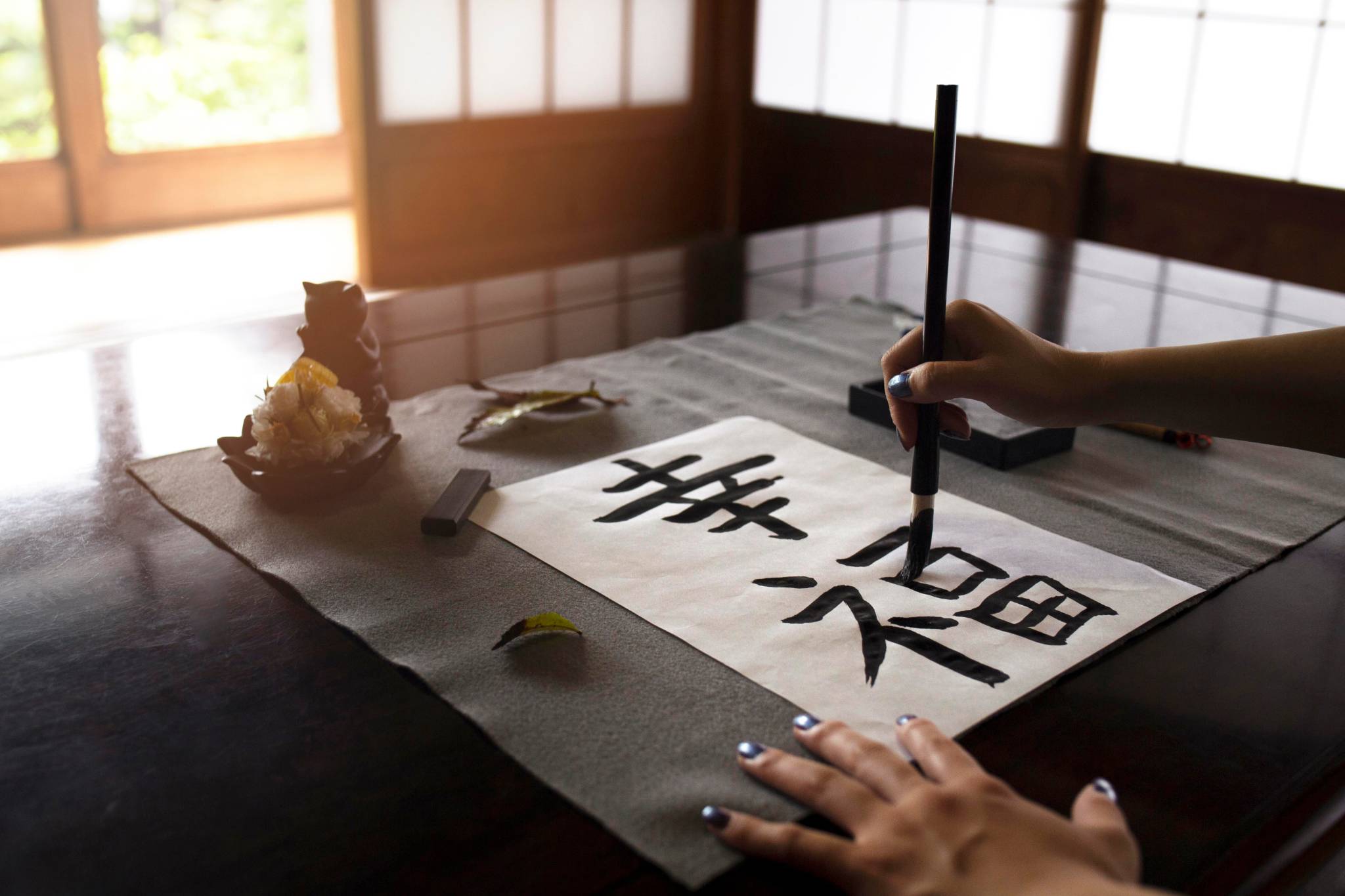
If you have ever looked at a Japanese sign, menu, or product label and felt completely lost, you are not alone. Kanji is one of the most complex writing systems in the world. A single character can carry multiple meanings, and unlike English, there are no spaces to guide you through a sentence.
But here is what most people get wrong. You do not need to learn kanji to navigate Japan. You need a way to understand meaning quickly in real situations. That is exactly where your iPhone becomes powerful.
Quick answer: How to read Kanji instantly on iPhone
If you just need a fast method, this is what works best:
Open a translation app with camera support
Point your iPhone at the kanji text
Capture the full phrase, not a single character
Read the translated meaning in context
This method works reliably for menus, signs, and labels where context matters more than literal translation.
Why Kanji feels difficult in real life
The difficulty of kanji is not just about the number of characters. It is about how it appears in the real world. You will encounter kanji in formats that are not clean or structured:
vertical text on signs
handwritten menus
dense product labels
mixed scripts in a single sentence
This is why typing or translating word by word often fails. Real-world Japanese is visual and contextual.
A better way to approach Kanji
Instead of focusing on decoding characters, focus on understanding meaning. When you use your iPhone camera, you are capturing:
how characters are grouped
how they relate to each other
what they represent in that specific situation
This is the same principle used in how to translate text from an image on iPhone, but it becomes even more important with kanji because meaning depends heavily on context.
Where you will actually see Kanji
Kanji shows up in situations where you need quick understanding, not perfect translation.
Navigation and train stations
You will often see:
出口 → exit
入口 → entrance
乗り場 → boarding area
These are functional. You need to act on them immediately.
Menus and food
Menu items are rarely literal.
親子丼 → chicken and egg rice bowl
焼肉 → grilled meat
Without context, these can feel confusing. This is exactly why people struggle when translating Japanese menus on iPhone.
Labels and packaging
Product labels often include:
instructions
ingredients
warnings
Example:
注意 → caution
使用方法 → instructions
Here, accuracy matters more than speed.
Signs and warnings
Short but critical:
禁止 → prohibited
危険 → danger
Misunderstanding these can lead to real issues.
What actually works in real scenarios
When reading kanji, small changes in approach make a big difference. The most effective way is:
capture the full phrase
avoid isolating single characters
let the tool process the structure
This improves accuracy because kanji meaning depends on how characters are combined.
Why camera translation works better than typing
Typing kanji requires:
correct character selection
correct input method
correct interpretation
That is not practical for most users. Camera translation works better because it:
reads full phrases instead of fragments
understands layout and spacing
reduces human error
This is exactly where apps like Translate Now become useful, since they are designed to handle real-world text such as menus, signs, and labels without requiring manual input.
This approach is especially effective when dealing with complex or unfamiliar text, where context matters more than individual characters.
When basic tools start to struggle
Even good tools can fail in certain conditions. Common problem scenarios include:
vertical text layouts
stylized or handwritten characters
low lighting or blur
multiple text blocks in one frame
In these cases, using a structured image translation approach for menus, signs, and labels gives better results because it processes the full visual context.
A practical way to handle Kanji without learning tt
Think of kanji as something you interpret, not something you decode.
If you see 焼き鳥 on a menu, you do not need to analyze each character. You just need to understand that it refers to grilled chicken and that it is something you can order.
This mindset removes pressure and makes navigation much easier.
Common mistakes to avoid
These are the mistakes that make kanji feel harder than it actually is:
translating one character at a time
ignoring surrounding context
using unclear or blurry images
expecting perfect, word-for-word translation
Avoiding these improves both speed and accuracy.
Can you read Kanji without internet?
Yes, but with limitations. Offline translation works best for:
common phrases
basic signs
simple menu items
It may struggle with:
complex kanji combinations
uncommon vocabulary
context-heavy phrases
This becomes important when traveling, especially in areas with limited connectivity. You can understand this better in how translation apps work without internet.
Choosing the right app matters
To read kanji effectively in real situations, your tool should support:
camera-based translation
image recognition
offline capability
fast processing
Translate Now is built around these use cases, making it practical for reading menus, signs, and labels without switching between multiple tools.
Final thoughts
Kanji feels overwhelming when you approach it as something you need to learn completely. In reality, you only need to understand what the text means in the moment.
Once you shift from decoding characters to interpreting meaning, the experience becomes much easier. With the right approach and tools, kanji becomes manageable in everyday situations.
Understand Japanese text faster and more naturally using camera-based tools like Translate Now.