How to create a QR code for a website
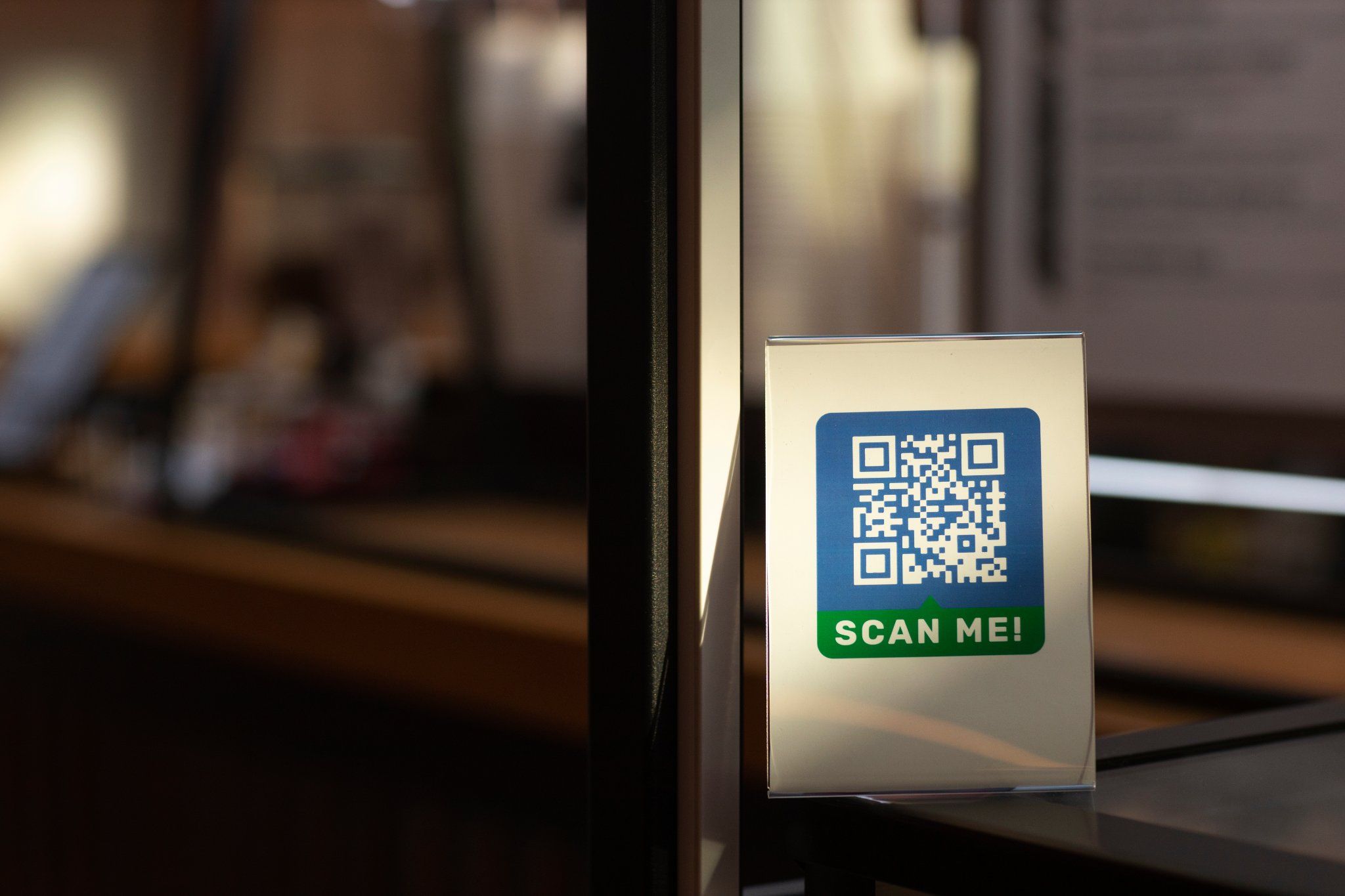
QR codes are one of the fastest ways to direct users from physical spaces to a website. Instead of typing a URL manually, users can scan a code and land directly on a page within seconds.
This is widely used in:
product packaging
posters and flyers
business cards
restaurant tables
event signage
If you want to connect offline materials to your website, creating a QR code is one of the simplest and most effective ways to do it.
How to create a QR code for a website
To create a QR code for a website, you only need a valid URL and a tool that converts that link into a scannable code.
Step-by-step:
Copy the website URL you want to share
Paste the URL into a QR code generator
Generate the QR code
Download the code in high quality
Test it on multiple devices
Use it in print or digital materials
To simplify the process, you can use QR Code Air to create and download a QR code that works consistently across print and digital formats.
What makes a website QR code work properly
Not all QR codes perform equally. Some scan instantly, while others fail or redirect incorrectly. For website QR codes, three factors matter most:
The URL must be correct
Even a small mistake in the link can break the entire experience. Make sure:
the URL includes https
the page is live
the page loads quickly
The QR code must be scannable
If the design interferes with the pattern, users may struggle to scan it.
Issues like poor contrast, incorrect sizing, or missing spacing can prevent detection. These problems often appear in real-world usage where lighting and distance vary.
The destination should match user expectations
If a QR code is placed on a product or poster, users expect the link to be relevant. For example:
a product QR should open product details
a flyer QR should open a landing page
a menu QR should show menu content
Mismatch reduces trust and engagement.
Where website QR codes are commonly used
Website QR codes are used across different industries depending on how users interact with content.
Marketing materials
Businesses place QR codes on posters, brochures, and packaging to drive users to landing pages or campaigns.
This approach works especially well when connecting offline promotions with digital experiences in business environments where visibility matters.
Events and public spaces
QR codes are often used in event settings where users need quick access to schedules, tickets, or event pages.
In these cases, website QR codes help simplify how attendees access event-related information without manual navigation.
Product packaging
Many brands include QR codes on packaging to provide:
product details
usage instructions
support pages
promotional offers
In retail environments, this often complements systems where both product identification and digital engagement are important.
Static vs Dynamic Website QR Codes
When creating a QR code for a website, the format you choose affects flexibility.
Static QR codes
Store the URL directly
Cannot be edited later
Work as long as the page exists
Best for:
permanent pages
stable links
long-term usage
Dynamic QR codes
Use a redirect layer
Allow link updates after printing
Support tracking and optimization
Best for:
campaigns
promotions
evolving content
Choosing the right format matters when planning how your QR code will be used over time, especially if the destination may change later.
Also read: Static vs dynamic QR codes
How to test a website QR code before using it
Testing ensures users won’t face issues after scanning. Before publishing your QR code:
scan it using different smartphones
test under low and bright lighting
verify loading speed
confirm the correct page opens
Many QR failures happen not because of the code itself, but because of how it is tested or deployed.
Common mistakes when creating website QR codes
Even simple QR codes can fail due to small mistakes.
Using low-quality images
Compressed or blurry QR codes are harder to scan.
Printing too small
If the QR code is too small, scanners may not detect it from a normal distance.
Linking to unstable pages
Temporary or broken pages cause QR codes to appear “expired” or non-functional.
Poor placement
QR codes placed on reflective or curved surfaces often fail in real-world scanning conditions.
How to improve scan rates
Creating a QR code is only part of the process. Getting users to scan it is equally important.
Add context
Users are more likely to scan when they understand what they will get. Examples:
“Scan to visit our website”
“Scan to view details”
“Scan to explore more”
Place it where users naturally look
QR codes perform better when placed in visible, accessible areas.
Keep it simple
Avoid over-designing the code. Clean and clear codes scan faster.
When you should use a website QR code
Website QR codes are useful when:
users need quick access without typing
you want to connect offline to online
the audience is mobile-first
the link is relevant to the context
They are especially effective in environments where speed and convenience matter.
Final Thoughts
Creating a QR code for a website is straightforward, but ensuring it works reliably requires attention to detail. From choosing the right format to testing the code and placing it correctly, each step influences how users interact with your content.
When implemented properly, QR codes provide a direct and efficient way to guide users from physical spaces to digital experiences.