QR Codes for Education
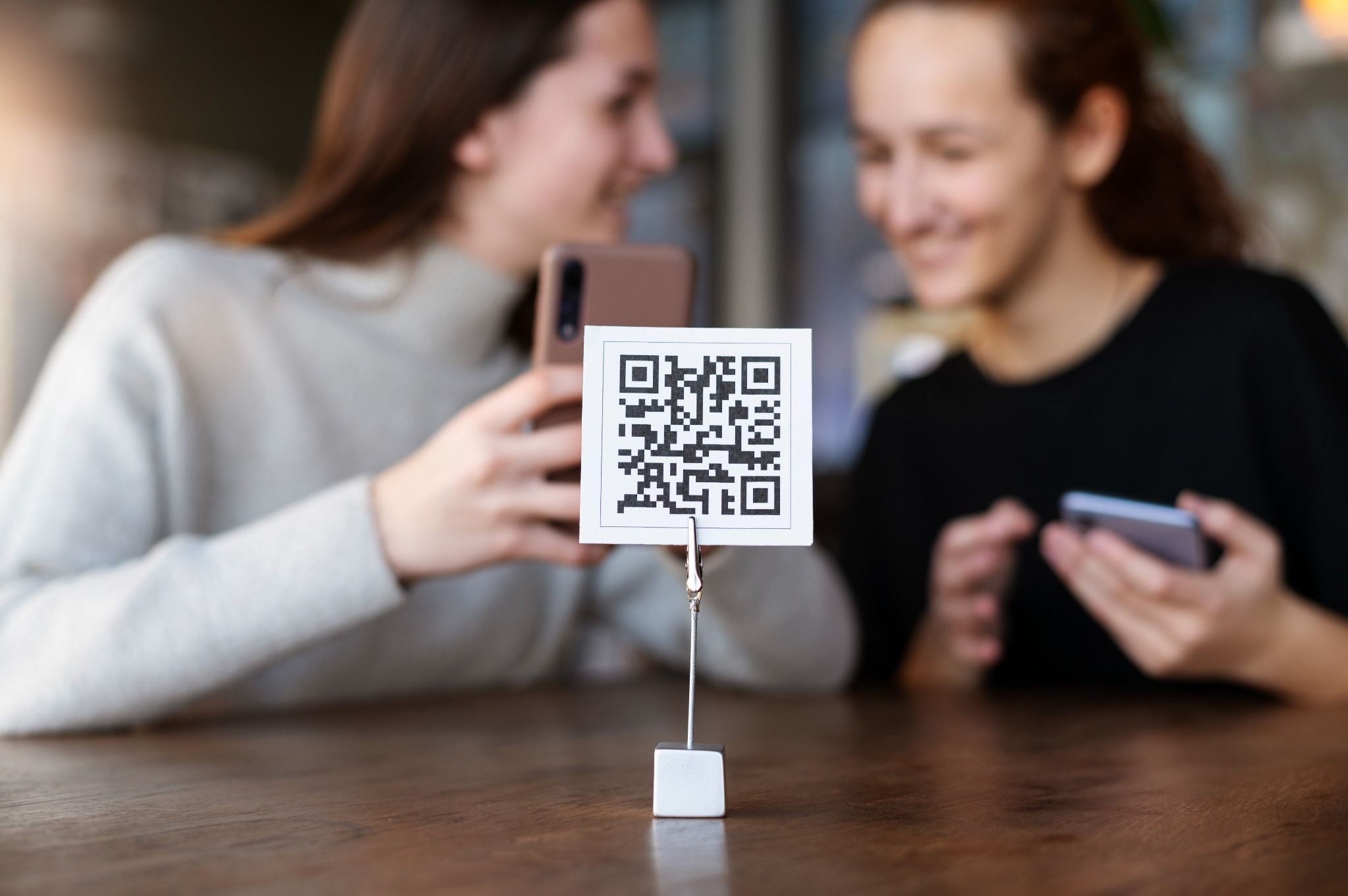
Education is evolving faster than ever. A QR code for education bridges traditional teaching and digital learning, helping teachers, schools, and students connect with resources instantly.
With Air Apps’ QR Code Generator and Scanner, educators can create interactive lessons, digital assignments, and real-time feedback experiences in just a few taps.
Whether used in classrooms, libraries, or online courses, QR codes in education make learning simpler, smarter, and more engaging.
Why schools and educators use QR Codes.
Technology in education should save time, not complicate it. QR codes for education achieve exactly that by making digital content easily accessible from any printed or shared material.
Schools, teachers, and students use QR codes and education tools to:
Share digital lessons, assignments, and study resources.
Access videos, PDFs, or online quizzes instantly.
Submit homework or feedback without lengthy URLs.
Connect classroom displays to online activities.
Simplify school communication with parents and students.
Track participation and engagement in real time.
QR technology supports a modern, inclusive, and interactive learning environment for everyone.
Bring your classroom to life with smart QR codes. Create QR Codes for your classroom Now!
How educators use QR Codes every day.
Interactive learning and classroom engagement.
Make your classroom more dynamic with QR codes for the classroom.
Add QR codes to lesson plans for access to videos, quizzes, or experiments.
Create scannable codes that lead to group projects or shared Google Docs.
Use QR codes in schools to support blended or flipped learning.
Students can explore subjects at their own pace, creating a more engaging and personalized learning experience.
Digital assignments and homework access.
Simplify how students access their assignments.
Generate QR codes that link directly to homework folders, slides, or Google Classroom pages.
Use QR code generators for teachers to share reading lists or worksheets.
Include QR codes on printed worksheets to connect with related online content.
By scanning a code, students can access lessons, submit work, or view feedback instantly with no logins or long links required.
Resource sharing and library management.
Make educational resources easier to find and manage.
Add QR codes to textbooks, library books, or classroom shelves to link to reference material.
Create QR codes for study guides or topic-based reading lists.
Use QR codes for schools to organize and track resource circulation.
Librarians and teachers save time, and students gain access to richer, connected learning materials.
Parent communication and school announcements.
QR codes help schools stay connected with parents and guardians.
Add QR codes to newsletters or report cards linking to school websites or event pages.
Use QR codes at parent-teacher meetings for digital feedback forms.
Display QR codes for school notices on bulletin boards or classroom doors.
Every QR code acts as a digital bridge between teachers, students, and families.
Campus tours and student orientation.
Turn school tours and orientation days into interactive experiences.
Place QR codes on classroom doors, labs, and facilities for descriptions or welcome videos.
Add scannable maps for new students to navigate campus easily.
Share digital guides and safety information instantly through QR access.
This small addition enhances communication and helps newcomers feel connected from day one.
Connect textbooks, resources, and lessons effortlessly. Generate QR Code for Your School Now!
Benefits of QR Codes in education.
Instant access: Share study material, assignments, and videos in seconds.
Easy updates: Change linked resources anytime with dynamic QR codes.
Paperless classrooms: Reduce printing costs with digital access.
Interactive learning: Encourage student participation through hands-on scanning.
Better communication: Connect schools, teachers, and parents instantly.
Inclusive education: Support remote learners and multilingual classrooms.
Track engagement: Measure scans and resource usage to improve lesson plans.
How to create a QR Code for schools or classrooms.
Open the Air Apps’ QR Code Generator.
Choose a purpose such as a lesson, assignment, or announcement.
Add your link, file, or classroom document.
Customize your QR code with school colors or your class logo.
Print, project, or share the code digitally with your students.
Creating a QR code for schools or teachers takes less than a minute and helps bring lessons to life.
Keep learning accessible for every student. Generate your education QR Code instantly!
Creative ways to use QR Codes in education.
For teachers
Share lesson resources or answer keys.
Link to video explanations or additional readings.
Provide scannable feedback on student projects.
For students
Submit projects by linking to digital portfolios.
Access multimedia references during lessons.
Share study materials with classmates easily.
For schools
Connect printed newsletters to digital updates.
Add QR codes on posters or classroom walls for event signups.
Organize materials, schedules, and safety information digitally.
Best practices for QR Codes in education.
Keep codes visible and large enough for easy scanning.
Test your codes on different devices before sharing.
Use short, clear CTAs like “Scan to Learn More” or “Scan for Homework.”
Keep linked pages mobile-friendly and accessible to all students.
Update codes regularly to match lesson changes or new topics.
Monitor scan analytics to see which resources are most used.
FAQs.
How can QR codes help in education?
QR codes make it easy to share lessons, assignments, and resources quickly, supporting both in-class and remote learning.
How can teachers create QR codes for the classroom?
Teachers can use Air Apps’ QR Code Generator for classrooms to create codes linking to videos, quizzes, or Google Classroom materials.
Are QR codes suitable for schools and libraries?
Yes. Schools can use them for library tracking, announcements, and digital communication with students and parents.
Can QR codes help improve student engagement?
Absolutely. Scannable content turns passive lessons into interactive learning experiences that students enjoy.
Are QR codes safe for students to use?
Yes. Codes generated with Air Apps are secure and can be shared privately within school systems.
What is the best QR code generator for schools?
Air Apps’ QR Code Generator is ideal for schools because it offers customization, easy sharing, and classroom-friendly tools.
Get started with Air Apps’ QR solutions for education.
Empower your classrooms and make learning interactive with Air Apps’ QR Code Generator.
Create and manage QR codes for education, schools, and teachers that simplify lessons and connect students to digital learning with one simple scan.