How to translate restaurant menus while traveling
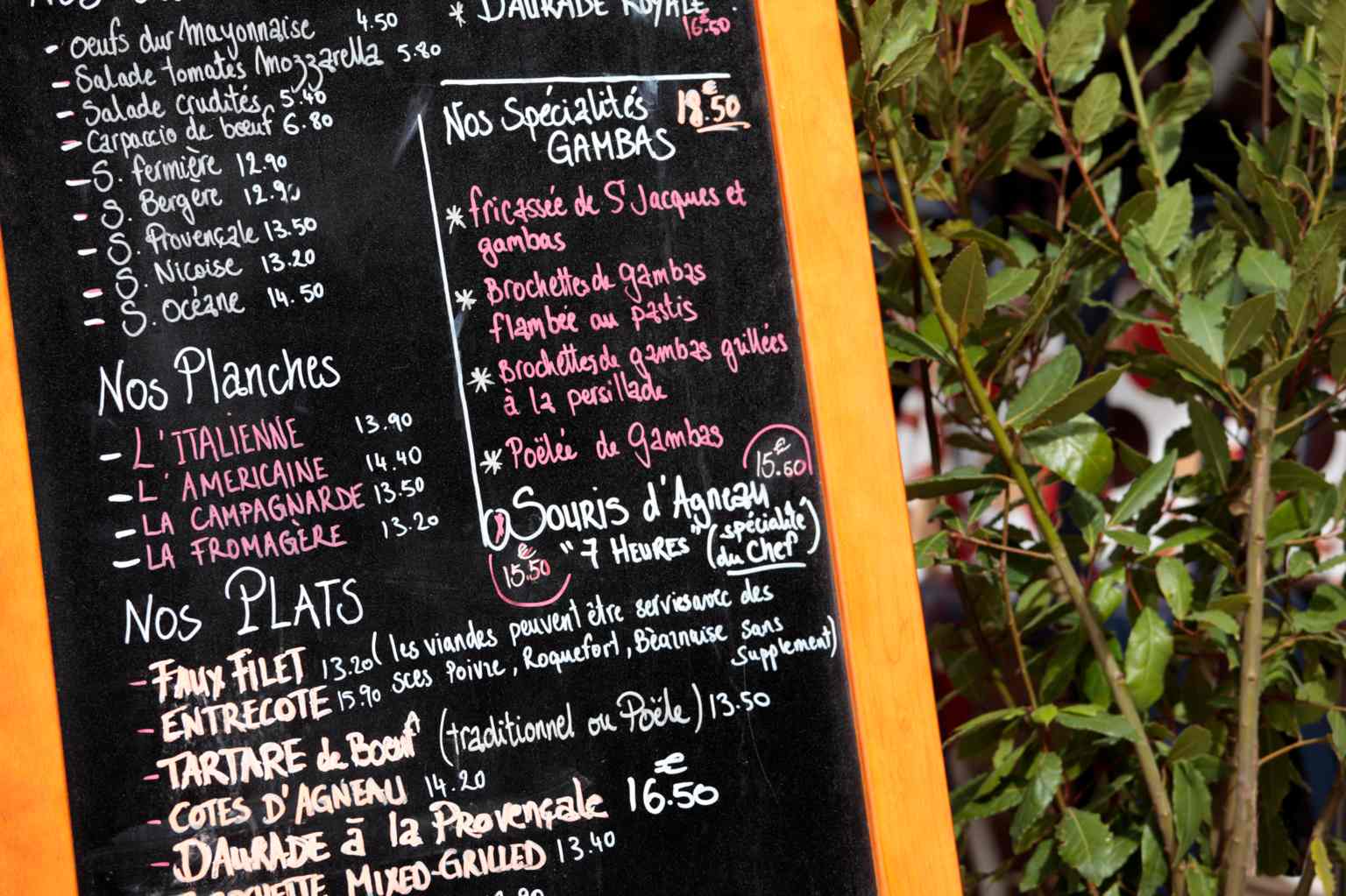
Trying local food is one of the best parts of traveling. But when the menu is in a language you do not understand, ordering can quickly become stressful. You might not know:
What the ingredients are
Whether a dish contains allergens
If it is vegetarian
How spicy it is
Or even what type of food it is
The good news is that translating restaurant menus while traveling is easier than ever. Here is exactly how to do it.
Why menu translation matters when traveling
Restaurant menus often contain:
Local dish names
Regional ingredients
Cultural cooking terms
Abbreviations
Slang
Unlike textbooks, menus use casual and food specific language that can be difficult to interpret literally. Accurate translation helps you:
Avoid allergens
Respect dietary preferences
Understand portion sizes
Prevent awkward misunderstandings
Order confidently
Especially in countries where English is not widely spoken.
Best way to translate a restaurant menu while traveling
The most effective method today is using camera or image translation on your iPhone. Instead of typing each word manually, you can scan the menu instantly.
Method 1: Use camera translation on iPhone
Camera translation allows you to point your phone at a printed menu and see the translated text.
Step by step
Open your translation app
Select the camera or image translation feature
Point your camera at the menu
Adjust focus for clarity
View the translated text on your screen
This works for:
Printed paper menus
Chalkboard menus
Wall menus
Street food signs
This feature uses text recognition to detect printed words and translate them instantly.
Method 2: Translate a digital menu or QR code menu
Many restaurants now use QR codes that open a digital menu in a browser.
To translate a digital menu:
Open the menu in Safari
Take a screenshot
Use image translation
Or copy and paste text into a translation app
Digital menus are often easier to translate because the text is selectable.
Method 3: Ask the waiter using voice translation
Sometimes the menu description is unclear even after translation. Voice translation can help in these situations.
You can:
Speak your question in English
Show the translated version to the server
Let them reply in their language
See the translation instantly
This is especially helpful when asking:
Does this contain nuts?
Is this vegetarian?
Is this spicy?
What do you recommend?
Translate Now includes voice conversation mode for these real time exchanges.
If you frequently translate screenshots, this guide may help: How to travel abroad without speaking the language
Tips for better menu translation accuracy
Even the best translation apps can struggle with certain food terms. Here are simple ways to improve results.
Focus on ingredients first
Instead of translating the entire paragraph, translate key ingredients. This helps you quickly understand the dish.
Watch for cultural dish names
Some dishes do not translate literally. For example:
Traditional dishes may keep their original name
Sauces may not have a direct English equivalent
Regional ingredients may remain untranslated
If the translation seems confusing, search the dish name separately.
Zoom in for better text recognition
When using camera translation, zoom in slightly so the text is sharp. Blurry menus reduce accuracy.
Double check allergy information
Translation apps are helpful, but always confirm allergies verbally if possible. For serious allergies, consider saving a translated sentence in advance.
Can you translate restaurant menus offline?
Yes, if your translation app supports offline language packs. Before traveling:
Download the language for your destination
Test camera translation without internet
Save important dietary phrases
If you want to learn more about offline support, read: Can translation apps work without internet
Offline mode is extremely helpful in remote restaurants or areas with weak signal.
Best translation app for restaurant menus
When translating menus while traveling, look for an app that supports:
Camera translation
Image text recognition
Offline language packs
Voice translation
Fast and clean interface
Translate Now combines these features in one travel friendly app. It is especially useful when:
The alphabet is unfamiliar
The menu is handwritten
The menu includes regional slang
You need immediate clarification
FAQs
How do I translate a restaurant menu on my iPhone?
The easiest way is using camera translation. Open a translation app, select the image translation feature, and point your camera at the menu.
Can I translate menus without internet?
Yes, if you download offline language packs in advance. Offline support depends on the app and selected language.
What is the best app to translate restaurant menus?
Apps that support camera translation and offline mode work best. Translate Now offers image translation, voice support, and offline features in one app.
Are menu translations always accurate?
Most translations are accurate for common dishes. However, cultural dishes and regional ingredients may require additional clarification.
Final thoughts
Translating restaurant menus while traveling no longer requires guessing or pointing randomly. With camera translation, voice support, and offline access, you can order confidently and enjoy local cuisine without stress.
If you want a reliable travel translation tool that combines image, voice, and text features in one place, explore Translate Now. Food is one of the best parts of travel. Understanding what you are ordering makes it even better.