How to prevent losing your AirPods: 7 habits that actually work
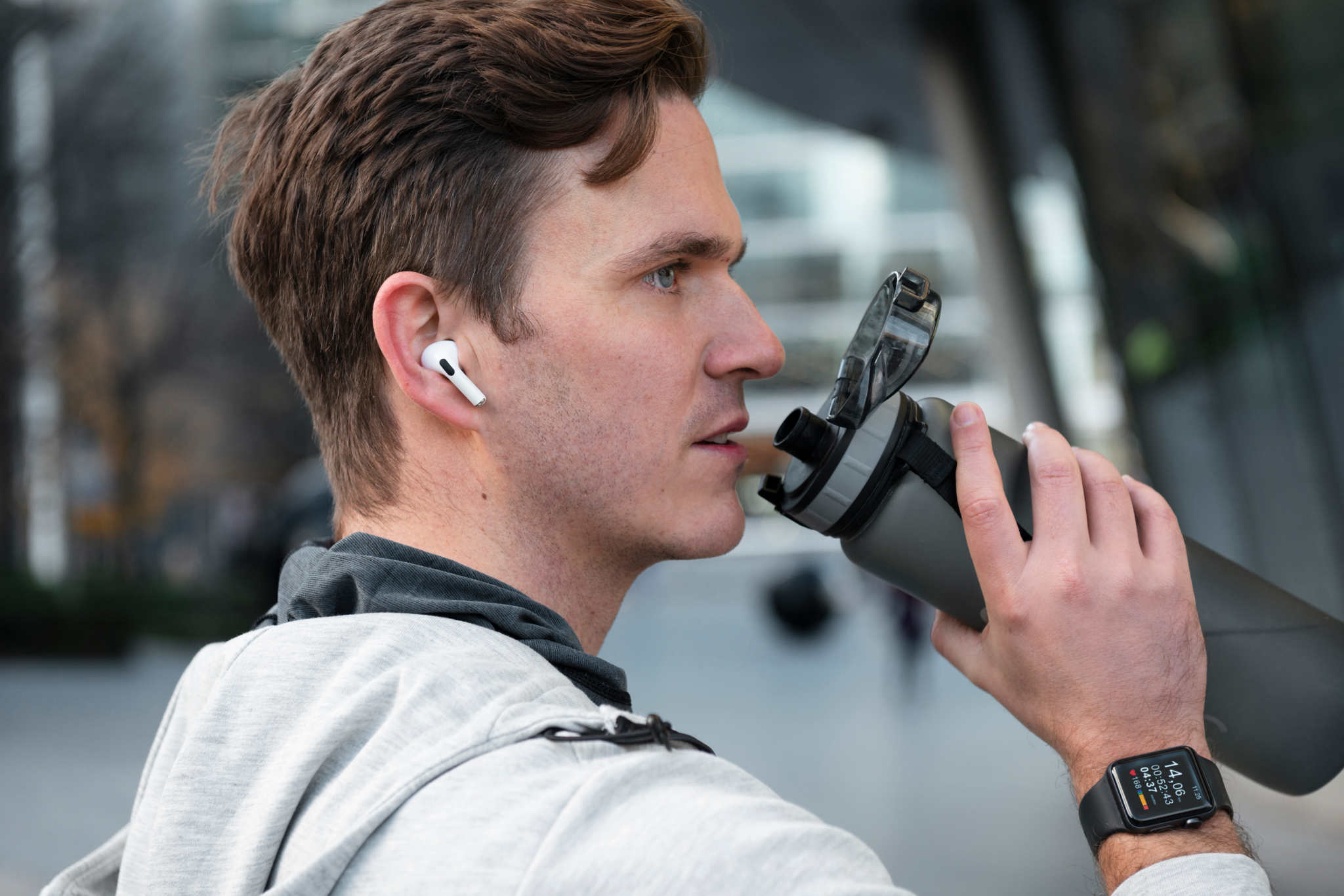
Replacing a lost pair of AirPods Pro costs $249. AirPods Max will set you back $549. And yet most people lose their AirPods not in dramatic circumstances, but by putting them down for thirty seconds and forgetting where.
The good news is that losing AirPods is almost always a habit problem, not a bad luck problem. The same handful of situations cause the vast majority of losses. Pockets without cases, bags without designated spots, and the "I'll just set them here for a second" moment that everyone regrets.
These seven habits fix the situations, not the symptoms.
Always put them back in the case, every time
This sounds obvious. It is also the single most effective thing you can do.
Loose earbuds on a nightstand, a desk, or a couch armrest are earbuds waiting to be lost. They get knocked off, slip between cushions, or get mixed into a bag without you noticing. The case is the only safe state when the AirPods are not in your ears.
The habit to build is simple. The moment AirPods leave your ears, the next physical action is putting them in the case. Not setting them on the nearest surface. Not tucking them in a pocket. In the case, lid closed.
This one habit eliminates the majority of indoor AirPod losses before they happen.
Enable Notify when left behind
Apple added this specifically for people who walk off without their AirPods. When enabled, your iPhone sends an alert if you leave a location without your AirPods coming with you.
How to turn it on:
Open the Find My app
Tap the Items or Devices tab and select your AirPods
Tap Notify When Left Behind and toggle it on
You can set trusted locations (like home) where the alert is suppressed
This works on AirPods Pro (1st gen and later), AirPods (3rd gen and later), and AirPods Max. It does not work on older AirPods 2nd generation models.
The alert fires when you leave a place without your AirPods nearby, which catches the gym bag, the restaurant table, and the office desk scenarios before you are already three blocks away.
Designate one spot in every bag
Most bags have multiple pockets and compartments. AirPods end up in a different one every time, which means every search starts from scratch.
Pick one pocket in every bag you regularly use and make it the AirPods pocket. Always. Without exception. It takes about two weeks to make this automatic, and after that you will always know exactly where to reach.
The same logic applies at home. One charging spot. Not wherever the cable happens to be. The same surface, every night.
Check before you leave any location
Restaurants, gyms, friends' places, hotel rooms, public transport. These are where AirPods get left permanently because people move quickly and do not do a final check.
Build a physical exit habit. Before you stand up to leave any location that is not your home, do a three-second visual sweep of the seat area, table, and any surface you used. It costs almost nothing and catches the loss before it happens.
If you find yourself leaving places in a rush regularly, set a leaving reminder in your phone for situations where you know you tend to forget things.
Know which AirPods models have Precision Finding and use it
Not all AirPods behave the same in Find My. Knowing what your specific model can do means you use the right tool when something goes wrong.
AirPods Pro 2nd gen and later: Precision Finding with directional arrow and distance. The most accurate close-range finding Apple has built.
AirPods Pro 1st gen and AirPods 3rd gen: Find My with sound alert. No directional precision but solid network location.
AirPods 2nd gen: Find My only with the last known location. No sound alert from the earbuds themselves.
AirPods Max: Find My with sound. Location updates even in the Smart Case.
Knowing your model means you are not wasting time looking for a Precision Finding feature on a device that does not have it.
Check battery before you put them away
A common pattern that leads to loss goes like this. AirPods die while you are out. You take them out and set them somewhere temporarily. You intend to charge them later. You forget. Later the battery is dead and Find My shows a location that is hours old and no longer useful.
The fix is making charging a condition of putting them down, not an afterthought. When AirPods are running low, get them on charge before you walk away from them. A device with a dead battery cannot broadcast a Bluetooth signal, which makes it significantly harder to find if it slips out of sight.
Find Air shows the battery status of your paired Bluetooth devices before you start a search, so you always know whether scanning is even worth attempting. But the better habit is making sure the battery is not critically low before the device leaves your hand in the first place.
Do a weekly location check in Find My
This one takes thirty seconds and it prevents the "I haven't seen my AirPods in three days" scenario.
Once a week, open Find My and check where your AirPods last pinged. If they are where you expect, great. If the last known location is somewhere you do not recognize or a place you have not been recently, that is worth investigating now rather than in a month.
Staying aware of where your AirPods are regularly means that when something does go wrong, you have recent location data to work with rather than a ping from four days ago in an unknown part of your city.
But if you do lose them anyway
Even with every habit in place, things still go missing. AirPods slip out of cases, cases fall out of bags, and sometimes a good habit breaks on a rushed morning.
When that happens, the sequence that works is:
Open Find My immediately and check last known location
If the location is stale or shows "No Location Found", that means the AirPods are offline or out of the Find My network
If you think they are still nearby, open Find Air on another device and scan for them using Bluetooth signal strength
Move slowly through the likely area and follow the signal as it strengthens
Find Air detects AirPods via Bluetooth when they are still powered on and within range, even if Find My has stopped updating their location. It shows signal strength in real time so you can physically close in on where they are. For a full step-by-step recovery guide, read how to find lost AirPods using both methods together.
The habits above make recovery scenarios rare. But knowing what to do when Bluetooth devices stop showing up means you are never starting from zero when they do.