Find Air vs Apple Find My: Which should you use?
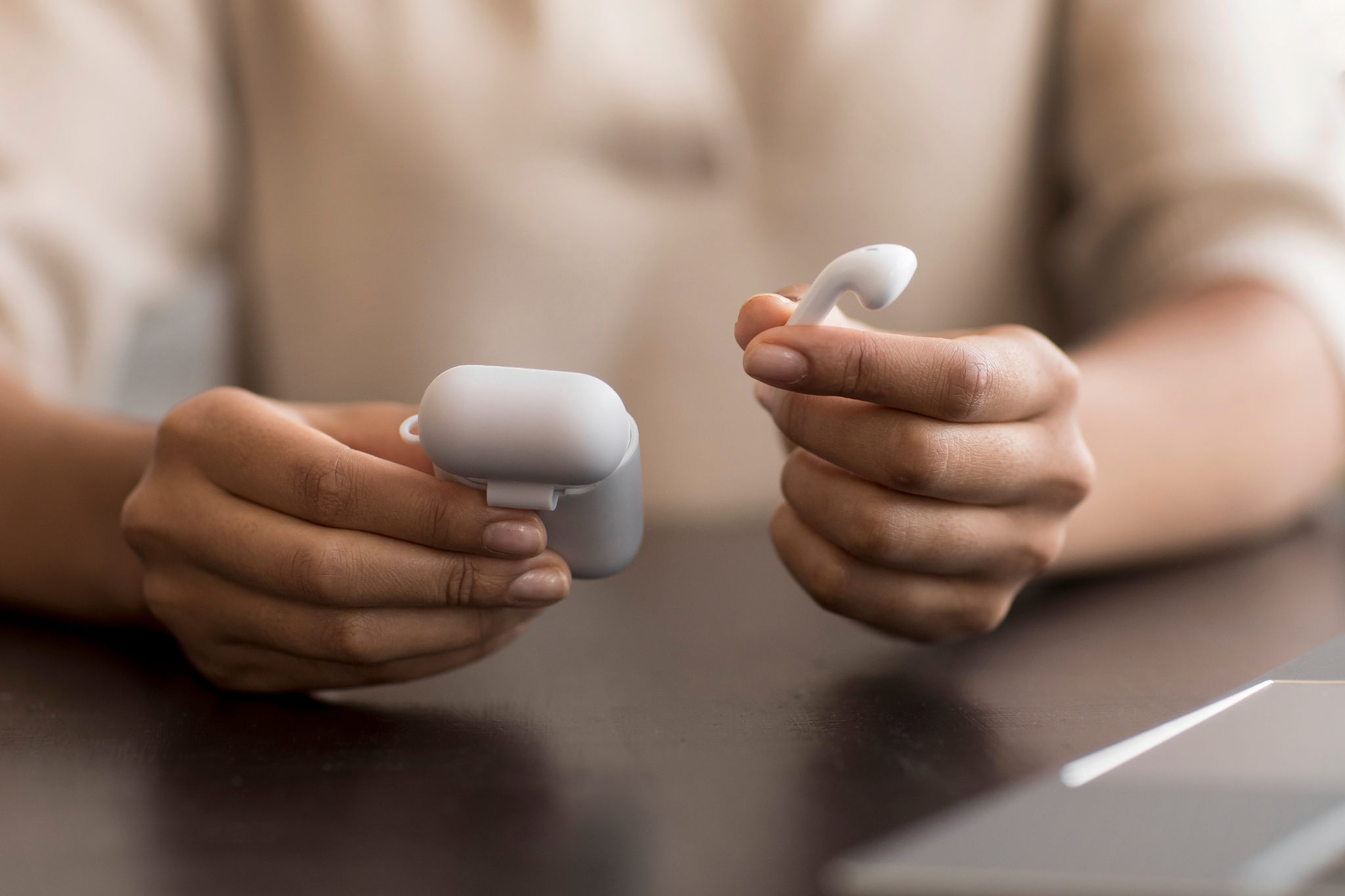
If you have lost a device and you are trying to figure out which app to open, you are not alone. Apple Find My and Find Air both help you locate lost devices, but they do completely different things. Using the wrong one for the situation wastes time you do not have when something is missing.
This article breaks down exactly how each works, where each one wins, and which one you should reach for depending on what you lost and where.
What Apple Find My actually does
Find My is Apple's built-in tracking system. It uses a combination of GPS, Wi-Fi positioning, and a crowdsourced network of hundreds of millions of Apple devices to locate your hardware on a map.
When your AirPods or iPhone go missing, Find My can show you the last known location on a map, play a sound remotely, and in some cases update the location in real time if the device comes within range of another Apple device in the network.
It is powerful for one specific scenario: you do not know where the device is, and it could be anywhere.
The catch is that Find My has real limitations most people discover too late:
The device must be online and signed into iCloud to report a live location
AirPods only update their location when they come within Bluetooth range of your own Apple devices. If they are sitting in a couch cushion with no iPhone nearby, the map shows a location that could be hours old
It does not work at all on non-Apple devices. Your Samsung earbuds, Beats headphones, Bose speakers, Garmin watch, or any third-party Bluetooth device are completely invisible to it
What Find Air actually does
Find Air is a Bluetooth scanner app built for close-range device finding by Air Apps. It does not use GPS or a cloud network. It scans the Bluetooth signals broadcasting around you right now and shows you the signal strength of each detected device in real time.
As you move around a room, the signal gets stronger when you move toward the device and weaker when you move away. That is how you zero in on it physically, not on a map, but in your actual space.
This is a fundamentally different approach. Find Air does not tell you a device is "somewhere in your house" on a map. It guides you to it physically, step by step, using signal strength as your compass.
It works on any Bluetooth device, not just Apple products. That includes:
AirPods and Apple Watch
Samsung Galaxy Buds, Beats, Jabra, Sony, and Bose
Fitbit, Garmin, and other fitness trackers
Bluetooth speakers and headphones
iPhones and iPads detectable via Bluetooth
It also shows the battery status of paired devices so you know whether the device still has enough power to broadcast a signal before you start searching.
To understand why signal strength tracking works so well indoors, it helps to know how Bluetooth tracking works at a technical level.
The core difference: Map vs signal
This is the single most important thing to understand before choosing which app to use.
Find My gives you a map location. That is useful when you have no idea where the device is and it could be across town or in another building.
Find Air gives you a signal. That is useful when you know the device is somewhere nearby but you cannot physically see it.
These two problems are completely different, and they need different tools.
Think of it this way. Find My is how you find out the device is at your gym. Find Air is how you find it inside your gym bag once you get there.
Where Find My wins
Find My is the right choice when:
The device is genuinely far away. If you left your iPhone at a restaurant or your AirPods on public transport, Find My can show you an approximate map location based on the last known ping from the network. That is not something Bluetooth scanning can do.
You need to mark a device as lost. Find My lets you put a device into Lost Mode, which locks it, displays a contact message, and tracks movement. That is a security feature, not a finding feature.
You want to play a sound remotely. If your iPhone is somewhere in your house and you need to hear it ring, Find My handles that without you needing to physically search.
For Apple devices that are lost at distance, Find My is the tool.
Where Find Air wins
Find Air is the right choice when:
The device is nearby but hidden. This is where Find My completely falls short. If your AirPods slipped between couch cushions, fell under the car seat, or got buried in a bag, Find My shows you an outdated map location. Find Air actively scans the space around you and guides you to the physical spot.
Find My is showing a stale location. AirPods and Apple Watch only update their Find My location when they are near your devices. If the location has not updated in hours, the map is useless. At that point, scanning for the device using Bluetooth signal strength is your only real option.
The device is not an Apple product. Find My does not work with Beats Solo, Galaxy Buds, Jabra earbuds, Fitbit, Garmin, or any third-party Bluetooth device. Find Air detects all of them.
You need to check battery before searching. If a device has died, Bluetooth scanning will not detect it. Find Air shows paired device battery levels upfront so you know whether it is worth scanning or whether you need to charge it first. This matters more than most people realize, especially with small earbuds that die quietly. For a full breakdown of what affects detectability, read why your Bluetooth device is not showing up.
You are searching indoors. GPS is unreliable indoors and Find My map precision drops to room-level at best in a home environment. Bluetooth signal strength, on the other hand, is precise enough to get you within a foot or two of a hidden device.
Can you use both together?
Yes, and this is actually the smartest approach.
Use Find My first to get a general location. If it tells you the device is at home, great. Now use Find Air to get the precise location within that space. The two tools work in sequence, not in competition.
The mistake most people make is stopping at Find My, assuming the map location is accurate enough, and then spending 20 minutes searching the wrong area because the location data was outdated.
Use Find My to narrow it down to a building or room. Use Find Air to find it in that room.
Quick comparison
Find My | Find Air | |
|---|---|---|
Works on Apple devices | Yes | Yes |
Works on non-Apple devices | No | Yes |
Shows map location | Yes | No |
Guides you physically | No | Yes |
Works when device is offline | Partially | No |
Works indoors precisely | Limited | Yes |
Shows battery status | Limited | Yes |
Requires iCloud account | Yes | No |
Which one should you use right now?
Here is the simple version:
No idea where it is, could be anywhere - open Find My and check the last known location on the map
Know it is nearby but cannot see it - open Find Air, scan slowly, and follow the signal strength
Not an Apple product - Find Air is your only option regardless
The two apps are not rivals. They solve different parts of the same problem. But for the most common lost-device scenario, which is a device that is somewhere in your home or bag, Find Air is what actually gets you to it.
Lost something specific? Read how to find lost AirPods for a step-by-step walkthrough using both methods.