What plant is this? 7 ways to identify unknown plants
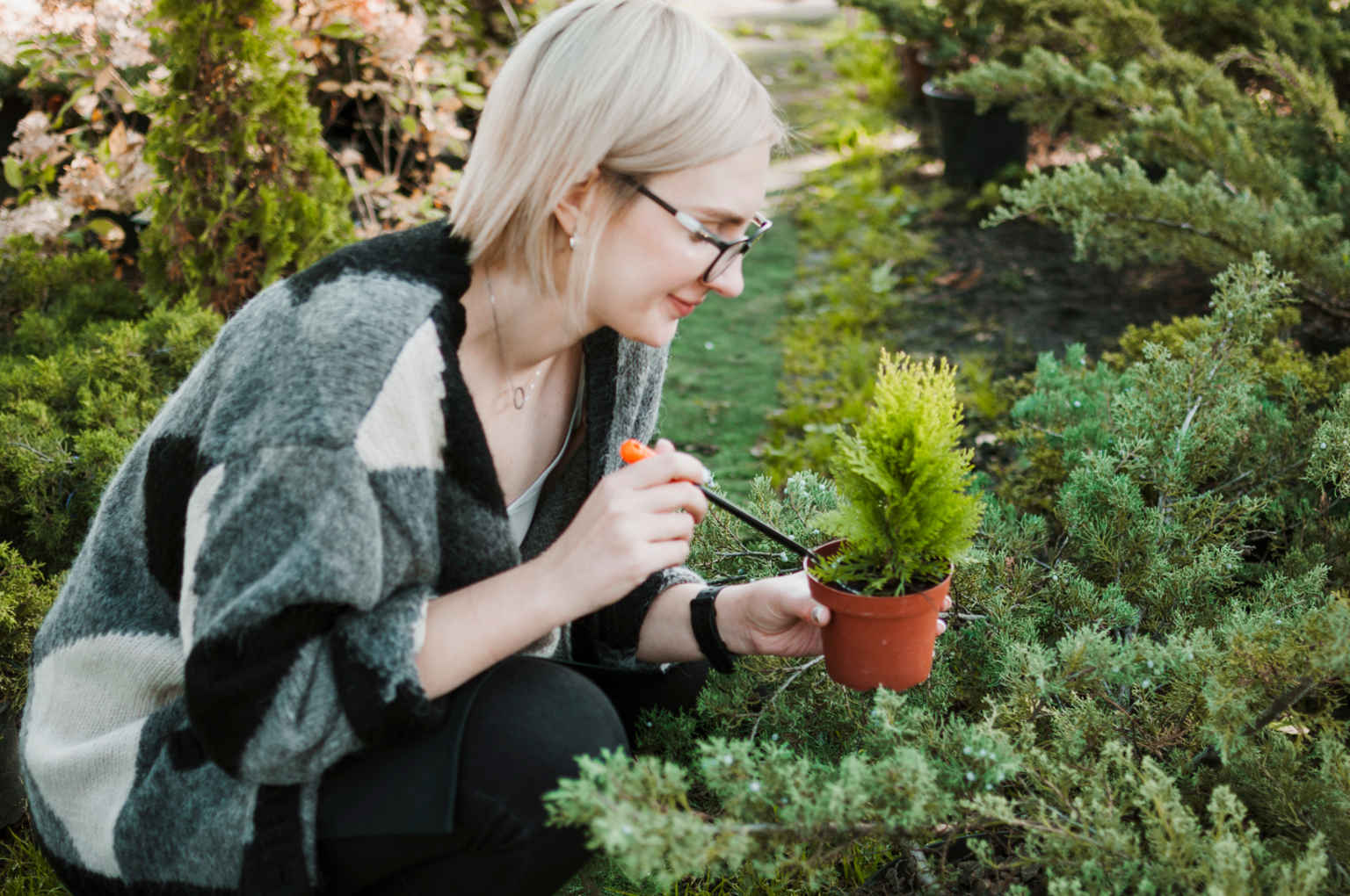
You're staring at a plant. It could be in your garden, on a hike, or sitting in a corner of someone's home.
And you have no idea what it is.
That feeling (curiosity mixed with mild frustration) is exactly what this guide solves. Below are 7 reliable ways to identify any unknown plant, ranked from fastest to most thorough.
The quick answer
The fastest way to identify an unknown plant is to take a photo of it and use a plant identifier app.
Apps like Plants Air analyze your photo in seconds and return the plant's common name, scientific name, species details, and care guidance, all from a single snap.
But if you want a deeper understanding of how identification works, or you're without your phone, the other six methods below have you covered.
Why plant identification matters (it's not just curiosity)
Before the seven ways, a quick note on why getting this right actually matters.
Pet safety: Some of the most common houseplants (pothos, sago palm, peace lily) are toxic to cats and dogs. Knowing what you're dealing with could prevent a vet emergency.
Your own health: Certain wild plants are dangerous to touch or eat. Misidentification has real consequences outdoors.
Better plant care: You can't water, feed, or position a plant correctly if you don't know what it is. Every species has different needs.
Identification is step one for everything that comes after.
7 ways to identify an unknown plant
Take a photo and use a plant identifier app
Best for: Speed, accuracy, and getting care info at the same time.
This is the method most people settle on, and for good reason.
A dedicated plant identification app uses AI to compare your photo against millions of species and return a match in seconds. Unlike a general image search, it's built specifically for plants, which means far greater accuracy.
How to do it with Plants Air:
Open the Plants Air app on your iPhone or iPad
Point your camera at the plant (leaves, stem, or flower)
Tap to capture a clear photo
Select Identify
Get the plant name, species details, and care tips instantly
The app also lets you run a Diagnose scan if the plant looks unhealthy, detecting issues like overwatering, yellow leaves, or early stress signs. All scans are saved, so you can track your plants over time.
Tip: For best results, take the photo in natural daylight with the plant centred in frame. Avoid harsh shadows or blurred backgrounds.
Examine the leaves closely
Best for: Manual identification when you want to learn the botanical basics.
Leaves are the most information-rich part of most plants. Train your eye to notice:
Shape: Oval, lance-shaped, heart-shaped, palmate (hand-like)?
Edges: Smooth, toothed, lobed, or wavy?
Vein pattern: Parallel veins (common in grasses), branching veins (most broadleaf plants), or a single midrib?
Texture: Waxy, fuzzy, leathery, or papery?
Arrangement: Do leaves grow opposite each other, alternating, or in a whorl?
No single trait is definitive on its own. But combined, these details narrow the field significantly.
Look at the flowers (if present)
Best for: The most accurate manual ID, as flowers are the most species-specific part of a plant.
Flowers are used in formal plant classification for a reason: they vary enormously between species.
Pay attention to:
Number of petals
Colour and patterning
Petal shape (tubular, star-shaped, ruffled?)
Whether flowers grow solo or in clusters
Scent, if any
A plant without flowers is harder to identify manually. If you're examining one that isn't in bloom, come back in the flowering season, or use a photo app that can work from leaves and stems alone.
Check the stem and growth habit
Best for: Distinguishing similar-looking species.
Two plants can have nearly identical leaves but completely different stems. Look for:
Stem shape: Round, square (mint family), or triangular?
Texture: Smooth, hairy, thorny, or woody?
Colour: Green, red, purple, brown?
Growth habit: Does it vine, bush out, grow upright, or trail?
A square stem, for example, is one of the most reliable indicators of a plant in the mint family (Lamiaceae), which includes lavender, basil, and rosemary.
Use Google Lens as a backup
Best for: Quick general searches when a dedicated app isn't installed.
Google Lens can identify plants from a photo using its general image recognition model.
It works reasonably well for common species but has notable limitations:
Lower accuracy for rare, regional, or less-photographed species
No built-in care guidance or health diagnosis
Results aren't always plant-specific; it may return product listings or general web results
Think of it as a rough starting point, not a definitive answer. For anything beyond a casual curiosity, a dedicated plant app gives significantly more reliable and actionable results.
Consult a plant identification field guide
Best for: Hikers, foragers, and anyone who enjoys offline, hands-on learning.
Regional field guides are written by botanists and organised by habitat, season, and plant family. They're especially useful for:
Wild plant identification outdoors
Areas with plants not well-represented in photo databases
Learning to identify plants visually without relying on technology
The limitation: field guides take time. You need to narrow down the family first, then work through a key. For a beginner, this can take 20–30 minutes per plant.
Pair a field guide with a plant app for the best of both worlds: speed first, depth second.
Ask a botanist or gardening community
Best for: Rare plants, unusual specimens, or when you need certainty.
Sometimes technology doesn't have the answer, especially for regional cultivars, rare wild species, or plants with unusual growth conditions.
Options include:
iNaturalist community: Upload a photo and get crowdsourced ID from naturalists and botanists
Local gardening clubs: Often have members with deep regional plant knowledge
University extension programmes: Many offer free plant identification services
Reddit communities like r/whatsthisplant (over 800k members)
For anything safety-critical (suspected poisonous or toxic plants) always verify with a human expert, not just an app.
What to do after you identify the plant
Knowing the name is just the beginning.
Once you have an ID, the next steps depend on the situation:
For houseplants:
Look up its light, water, and soil requirements
Check if it's toxic to your pets or children
Use the Diagnose feature in Plants Air to check its current health from a photo
For garden plants:
Determine if it's a native, invasive, or ornamental species
Decide if it stays or goes based on its role in your garden ecosystem
For wild plants:
Never consume any plant based on a single identification method alone
Cross-reference with at least two sources
When in doubt, don't touch
The bottom line
You no longer need to be a botanist to identify an unknown plant.
Seven methods exist, from a three-second photo scan to deep manual observation, and the right one depends on how fast you need an answer and how much you want to learn along the way.
For most situations, the fastest and most reliable starting point is a photo on your phone.
Try Plants Air free on iPhone →
Point your camera at any plant (indoors, outdoors, on a hike, or in your garden) and get the name, species info, and care guidance in seconds. All scans are saved so you can build a record of every plant you've ever identified.